If you've got an old worksheet laying around and want to re-use it, the best way is to convert it into a presentation. So, students get to revise the same topic through a better more engaging teaching resource.
.avif)
You already have the content. Lesson notes, worksheets, textbook PDFs, exam prep material - years of it.
But every time you need a presentation, you’re forced to start over.
This constant rebuild isn’t just tiring, it eats into planning time that should go toward instruction, differentiation, and student support.
That’s exactly why teachers are turning to an AI presentation maker from PDF - not to replace their expertise, but to convert the resources they already trust into clear, classroom-ready slides without losing intent, accuracy, or control.
Let’s see how you can generate new presentations from old PDFs.
Most PDFs are not presentation-ready. They’re packed with explanations, examples, and references meant for reading, not projecting.
A good presentation generator from PDF:
This matters when you’re teaching mixed-ability classrooms and need clarity, not overload.
Experienced teachers don’t lack content, they lack time.
Using PDF to PPT AI means:
Static outputs are useless in real classrooms.
When you turn PDF into Google Slides, you can:
This flexibility is essential for real teaching.
Teachers know when content “sounds right” for a grade, and when it doesn’t.
A presentation maker AI for teachers using PDFs respects:
That means fewer corrections and more confidence using the slides as-is.
When lessons need adapting, for slower sections, faster batches, or exam revision—speed matters.
AI-generated presentations from PDFs let you:
This directly supports differentiated instruction without doubling your workload.
Monsha is an AI presentation maker that lets you generate presentations from any source. It also helps you generate vocabulary lists, worksheets, lesson plans, handouts, reading comprehensions and much more.
If you don’t have a worksheet ready with you, you can check out how to generate worksheets with Monsha and then proceed with converting that into a presentation.
Head over to Monsha and sign up or log in. It takes just two clicks.
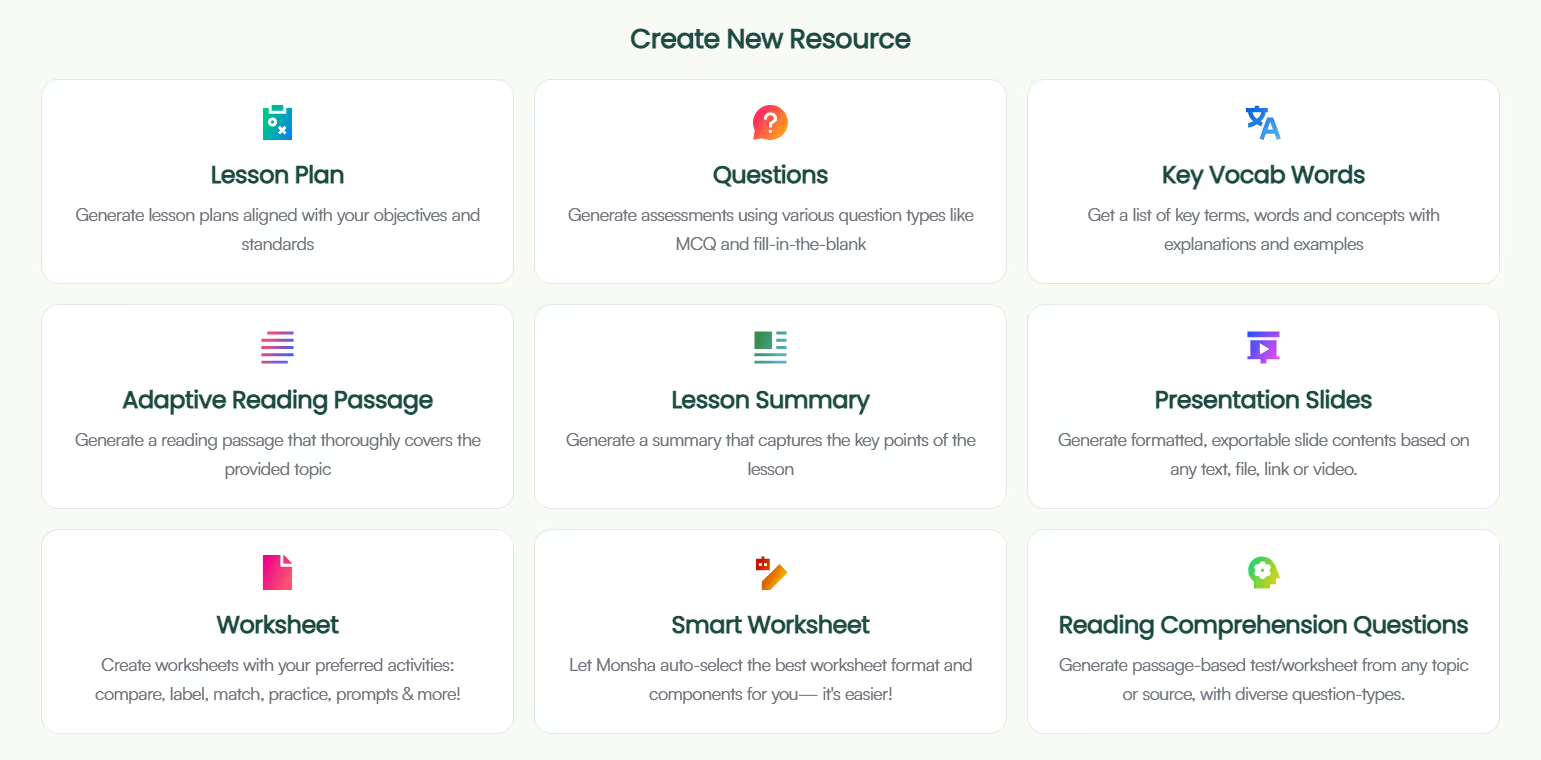
You’ll see everything Monsha can help you create worksheets, questions, lesson plans, reading passages, and more.
For this guide, click Presentation Slides.
Now you’re on the slide creation page. Here, you can attach your presentation to a course, unit, or lesson.
This step is optional, but it helps if you want your slides to:
If you’re just exploring, you can skip this and move on.
This is where Monsha feels very different from regular slide tools. When you open the AI presentation maker, you'll see, you'll see options like 'video', 'file', 'website', 'text' and 'Monsha resources'. Instead of typing slide by slide, you tell the AI slide maker what your presentation should be built from.
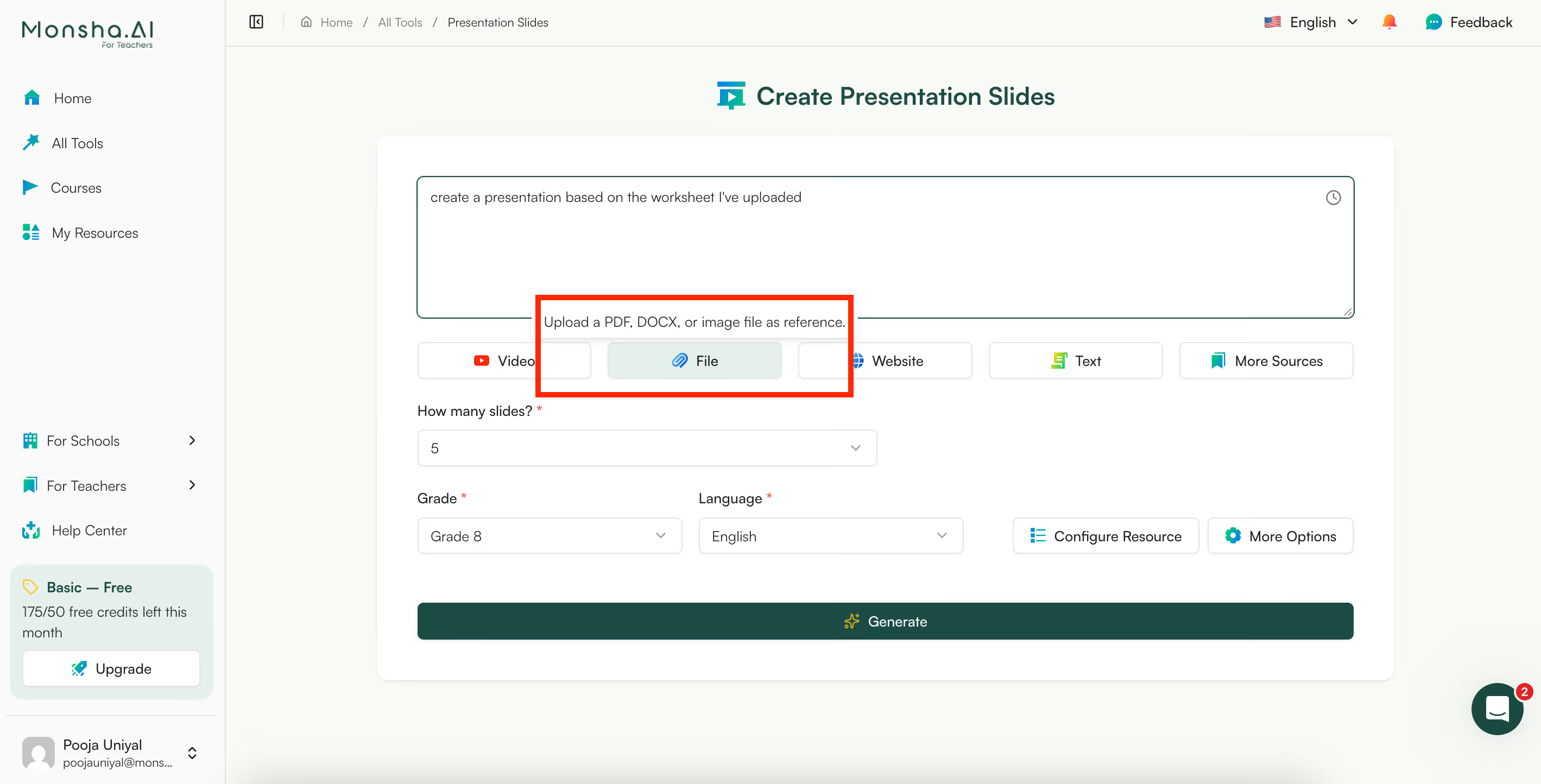
In this case, if you want to create presentation slides from a PDF like a worksheet or reading, you can select ‘file’ and then upload a worksheet to Monsha.
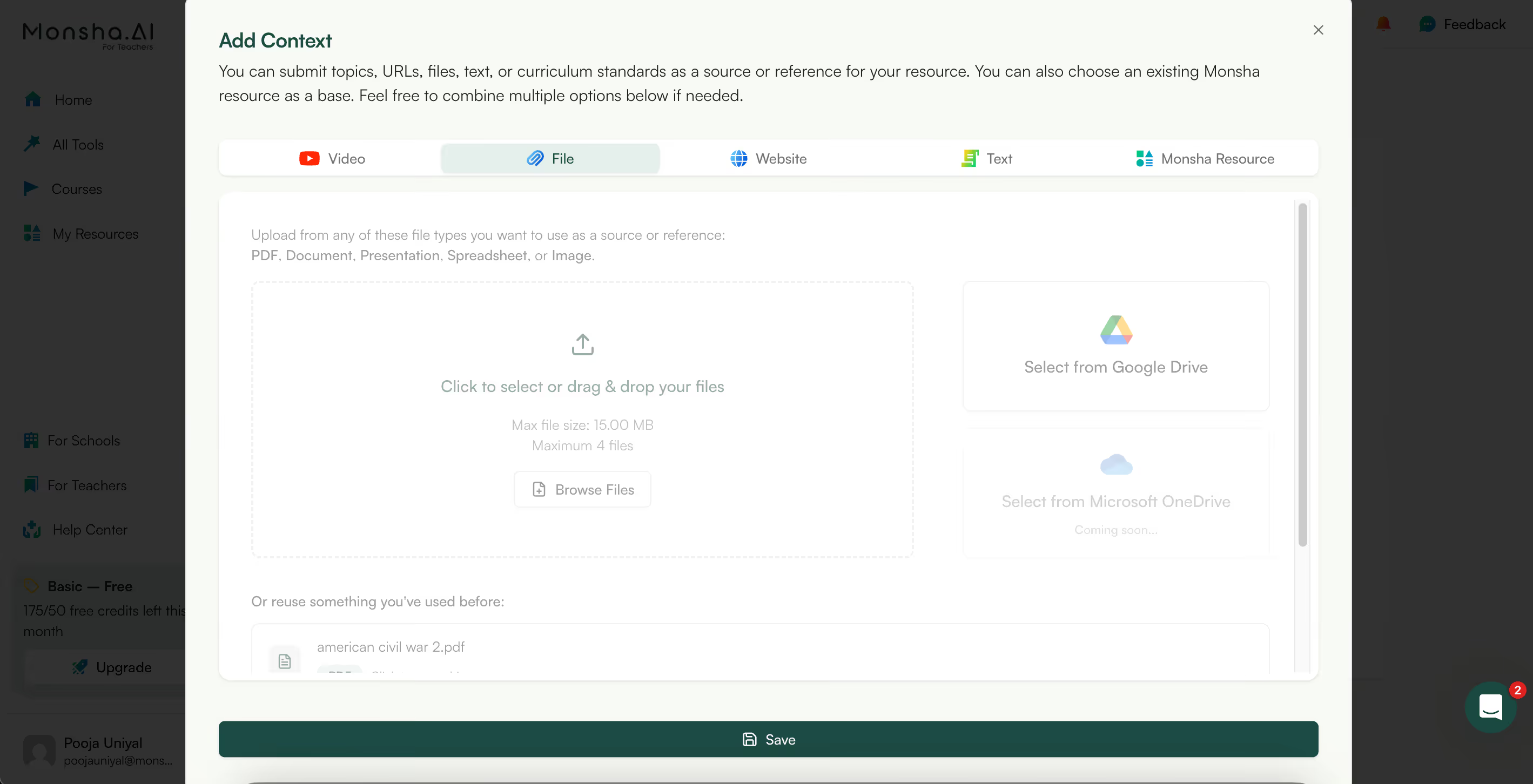
Unlike other AI tools like ChatGPT, Monsha doesn’t hallucinate, so your content will be 100% based on your reference with no extra fluff that you need to edit later.
If you didn’t connect a course earlier, Monsha will ask for:
This helps the AI presentation generator create slides that match your students.
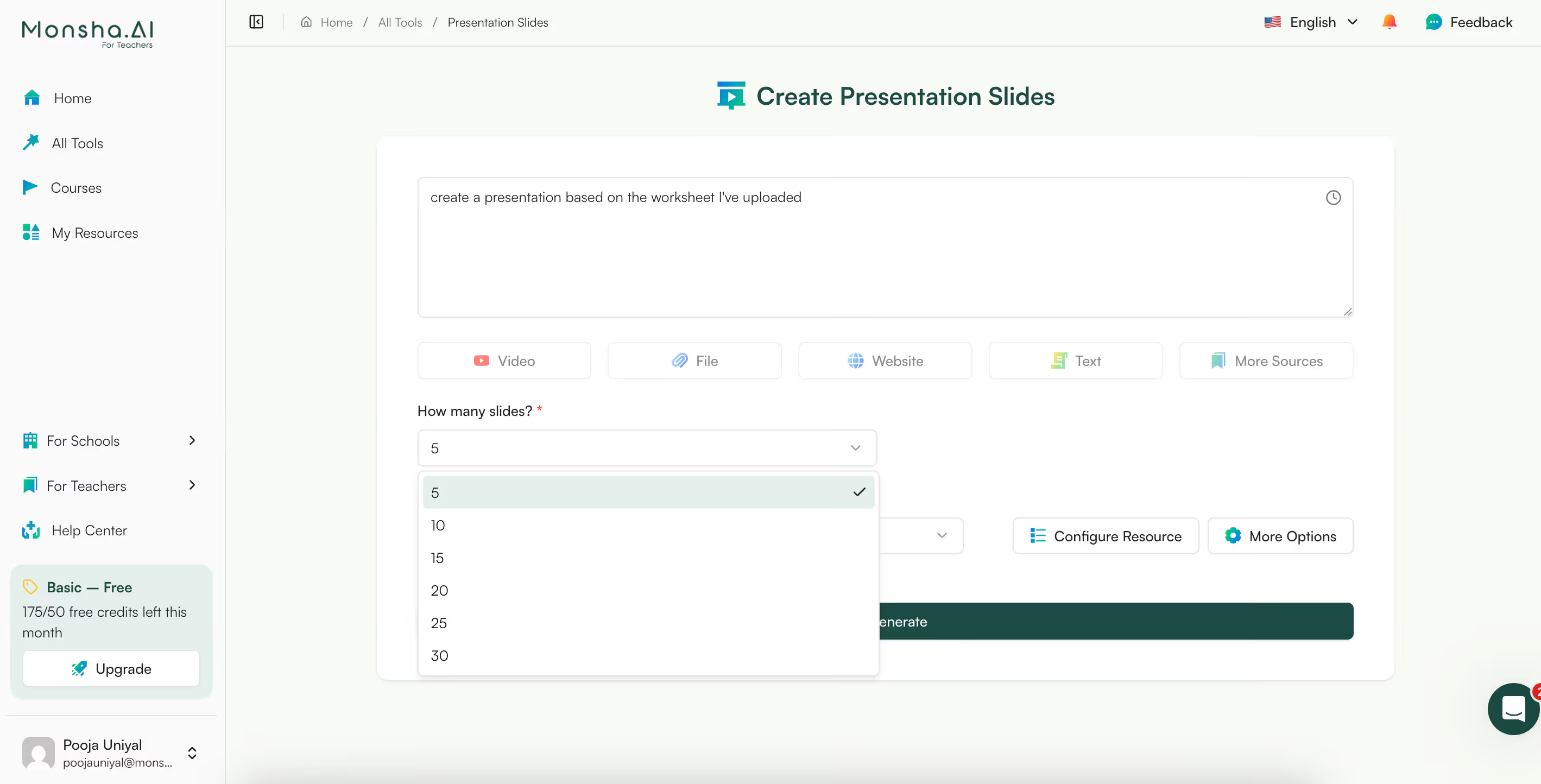
Now choose the number of slides. Whether you want a short intro deck or a full classroom presentation, this controls how detailed your AI-generated slides will be.
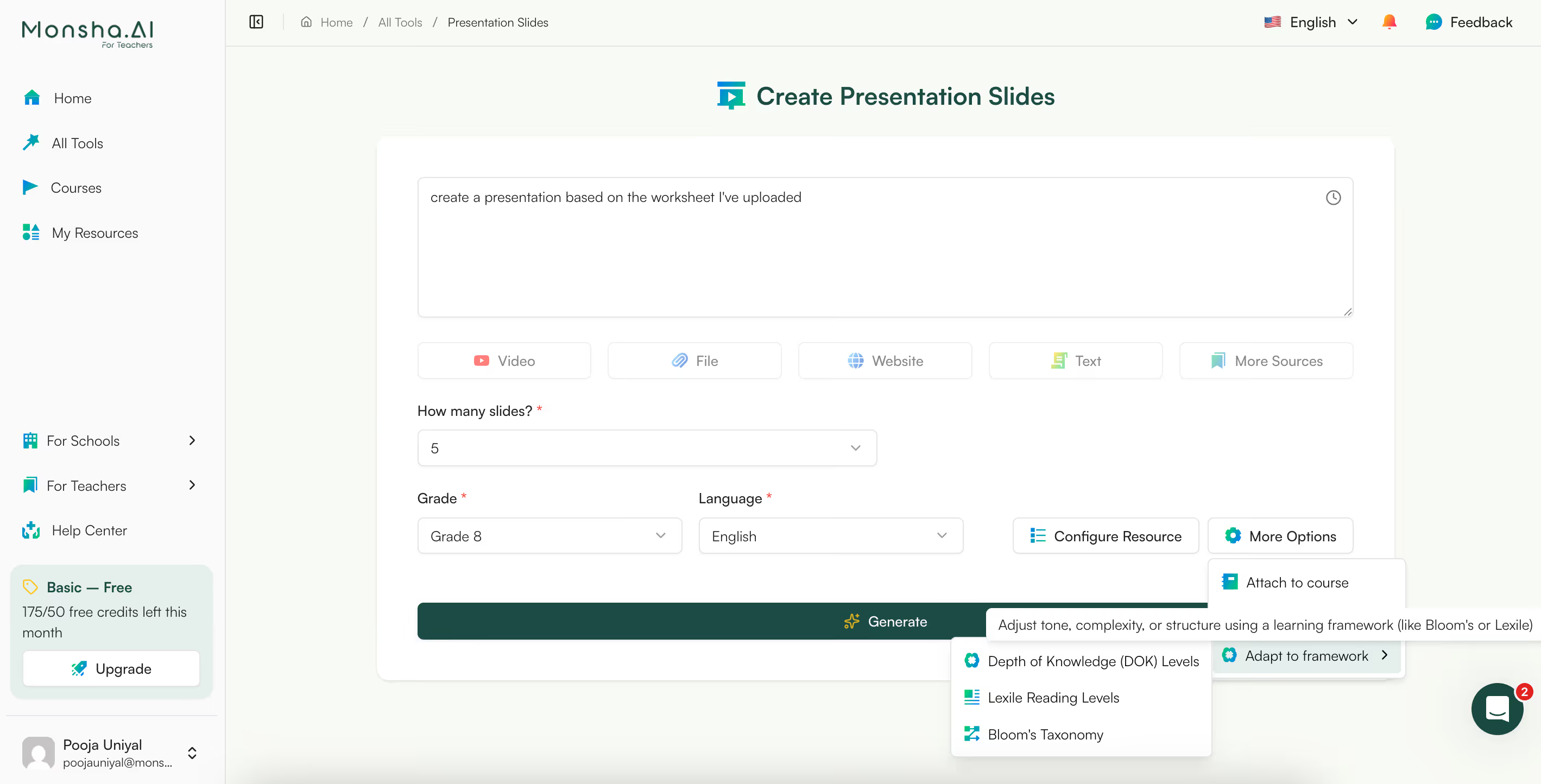
You can fine-tune your slides even more by choosing:
This helps when you’re differentiating resources or planning assessments.
If you need more tips on differentiating your teaching resources, you can join our Facebook community.

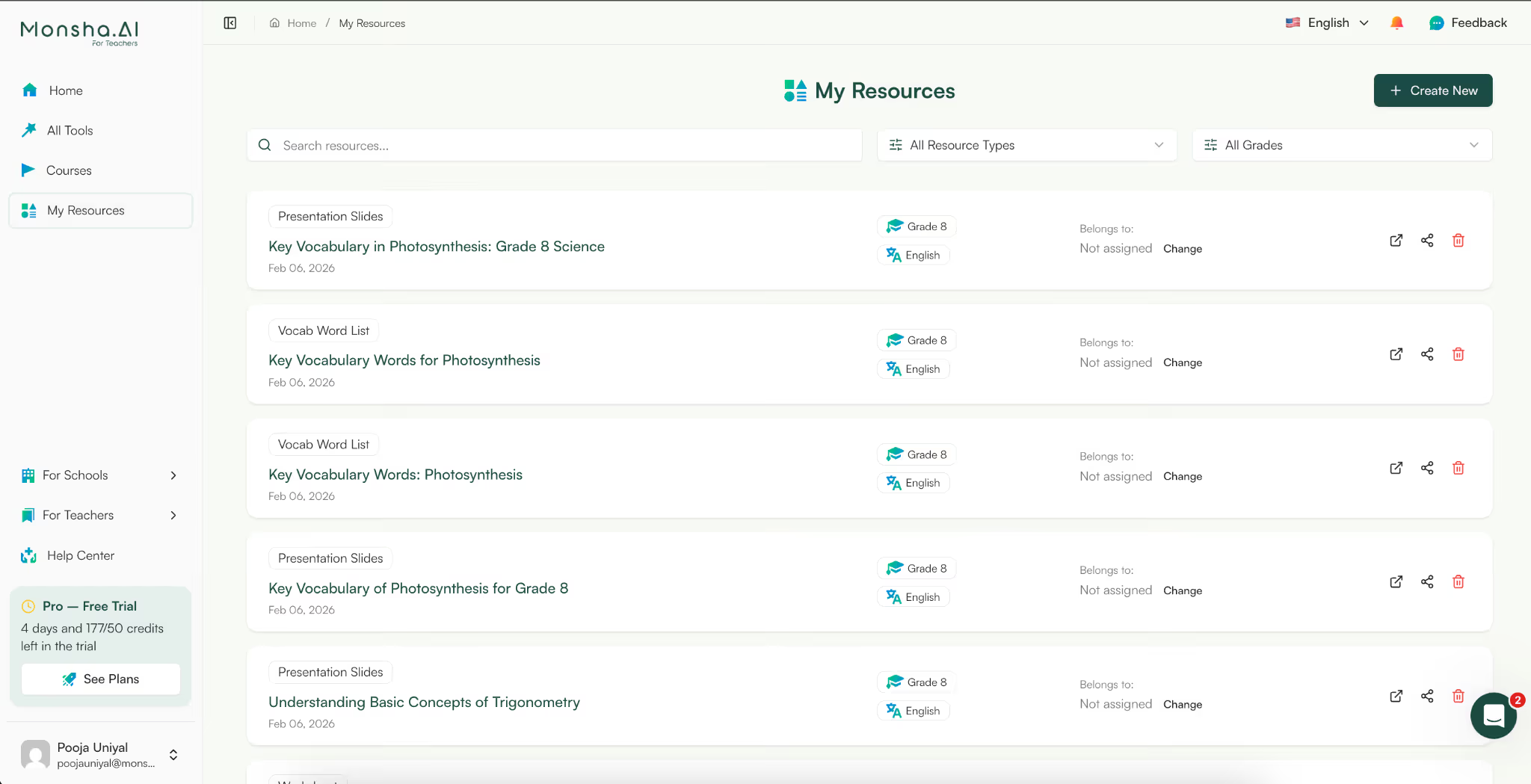
After you click ‘generate’, Monsha’s AI ppt maker from PDF will share an outline with you. This outline will have all the presentation content. You can review the text and tweak it right there - add bullet points, numerals, convert text to bold or italics - so your final presentation looks almost perfect.
Once you’re satisfied with the content, you can generate the final presentation.
Most AI presentation makers from PDF stop once the slides are generated. Monsha doesn’t. It gives you full control to refine, adapt, and build on your presentation, so it actually works in a real classroom.
Once your slides are generated, Monsha’s AI presentation makers lets you:
You can go to each slide, select ‘edit’ and simply ask the AI to make any changes for you.
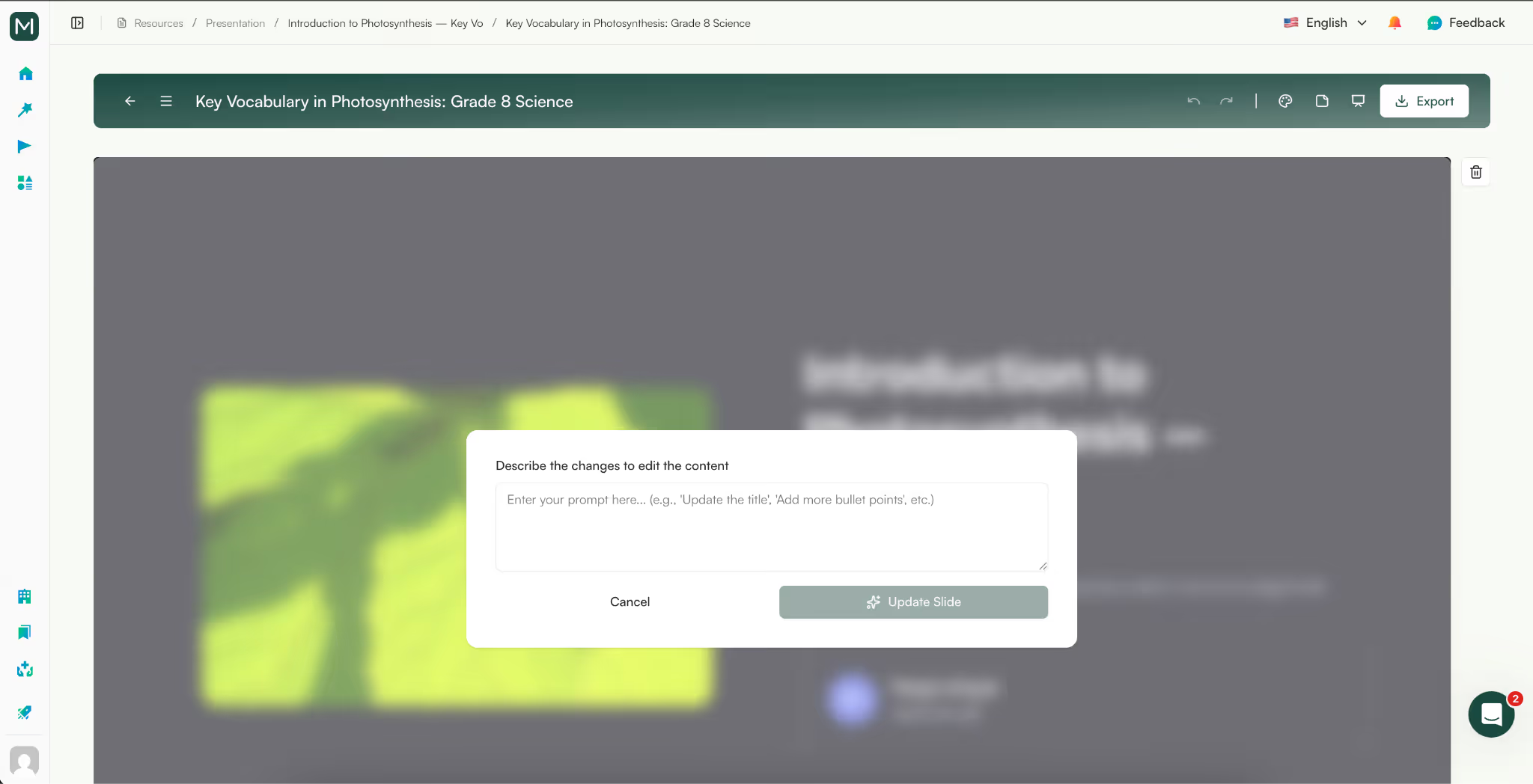
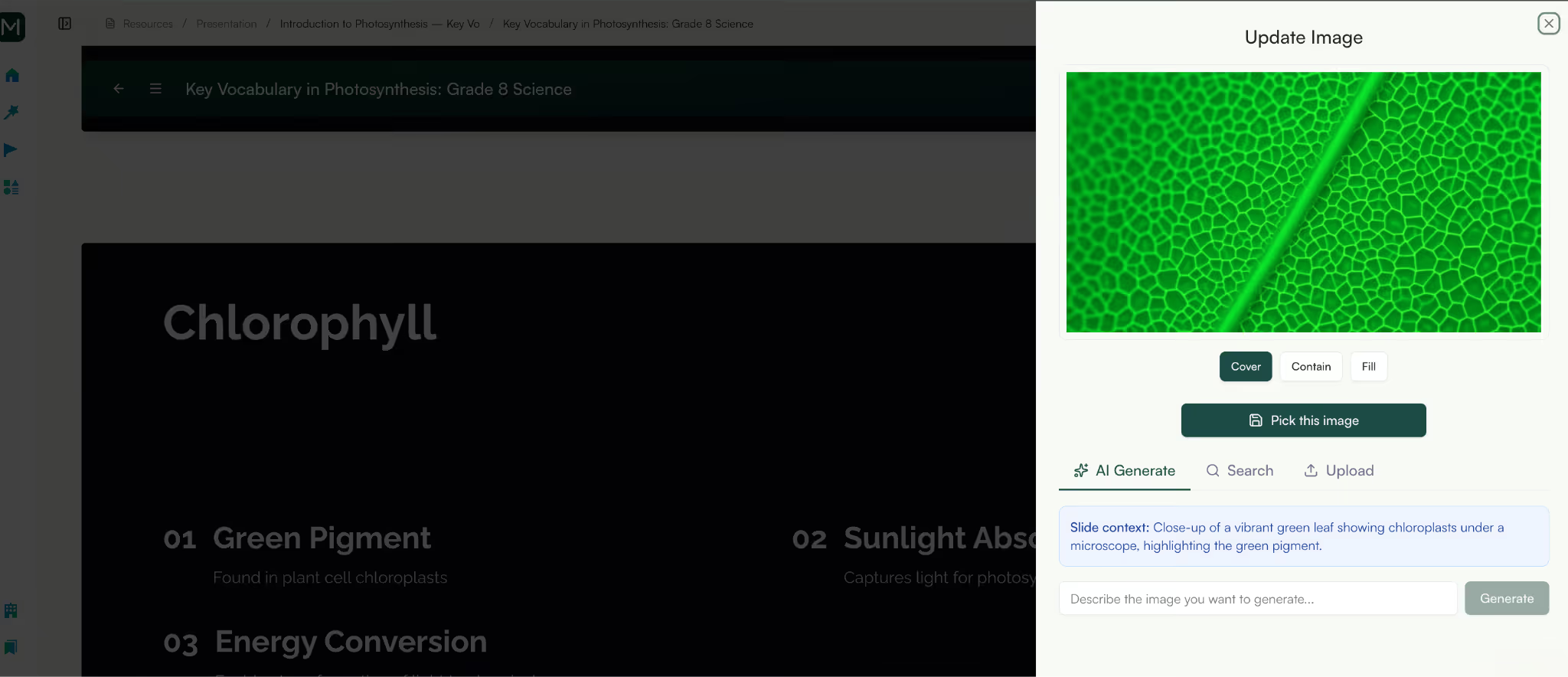
Or, you can select each image and regenerate for the presentation. You can choose to add an image from the web, regenerate the image with AI or upload your own images. Basically, you can fully customize the presentation to your satisfaction.
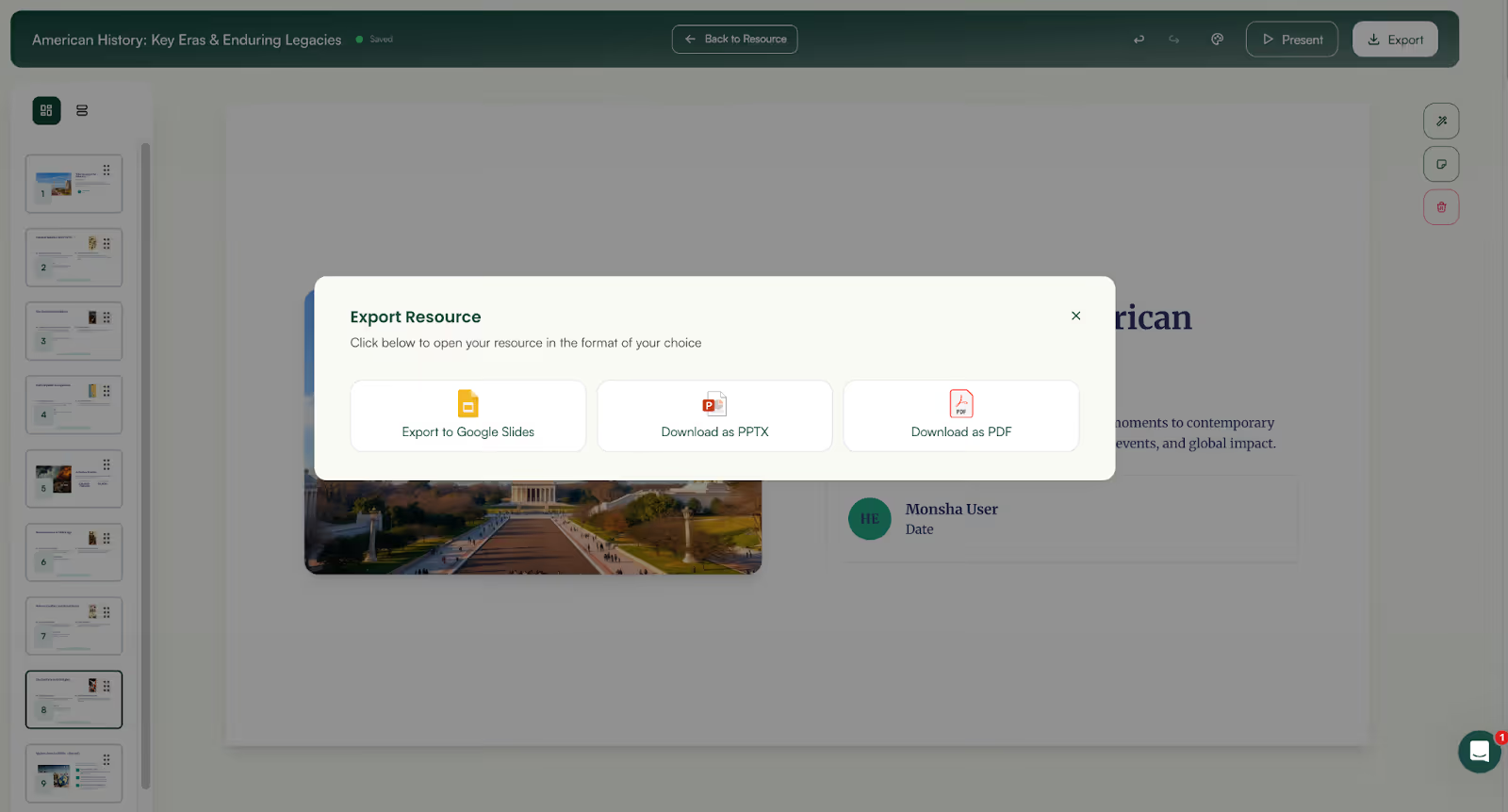
Download or share your presentation as PPT, PDF, DOC, Google Slides, or other formats, ready to use wherever you teach.
Your presentation doesn’t have to stand alone. You can generate worksheets, reading comprehension questions, tests, lesson plans, or study materials directly from the slides you just created, without repeating the work.
And because everything is saved in your Monsha account, your presentations are always available to revisit, update, or reuse whenever you need them.
For teachers, the challenge has never been a lack of content.
It’s the constant pressure to repackage existing PDFs into presentations that are clear, paced, and usable in real classrooms, often with very little time to spare.
An effective AI presentation maker from PDF doesn’t ask you to change how you teach or abandon the materials you already rely on. It fits into your workflow. It takes textbook pages, worksheets, revision notes, or exam PDFs and turns them into structured, editable slides you can explain from, adapt live, and reuse across classes.
That’s where Monsha stands apart.
Instead of giving you generic slides, Monsha helps you turn PDFs into Google Slides that are built for teaching, with the right structure, clarity, and flexibility teachers actually need.
If you want to spend less time rebuilding presentations and more time focusing on your students, try Monsha and see how easily your PDFs can become classroom-ready presentations.




AI in Education Content
Pooja Uniyal works closely with teachers and schools to understand and guide how AI is being used in real classrooms today. Her work at Monsha focuses on capturing practical teaching workflows and turning them into clear, usable guidance for educators exploring AI in their daily planning.
Join thousands of educators who use Monsha to plan courses, design units, build lessons, and create classroom-ready materials faster. Monsha brings AI-powered curriculum planning and resource creation into a simple workflow for teachers and schools.
Get started for free

.avif)