AI can save teachers time, but only if it’s used correctly. This blog breaks down the 10 most common mistakes teachers make while using AI and how to avoid them in real classrooms.
.avif)
If you’re already using AI in your teaching - whether it’s for lesson planning, worksheets, explanations, or feedback - you’re not experimenting anymore. AI is already part of your day-to-day work, often filling gaps where time, energy, or resources run short. And it’s happening faster than clear frameworks or best practices have had time to settle.
On busy days, it becomes another tool you reach for to move things along. You use what it gives you, make a few quick edits, and trust it’ll hold up in class.
Most of the issues with AI don’t come from doing anything “wrong” - they show up in those small moments where you don’t have the time (or reason) to slow down and think it through.
This blog is for teachers who are already using AI and want it to actually work with their teaching. It focuses on real, classroom-level mistakes - not theory or scare stories - and how to avoid shortcuts that quietly affect learning quality, student trust, and outcomes.
.avif)
Based on our customer interactions - who are all teachers - we’ve narrowed down a list of 10 mistakes we see repeating. These are inspired by the questions we get from teachers.
AI can create worksheets, explanations, and lesson ideas in seconds but it can’t replace your teaching judgment. AI works by predicting patterns based on existing data and teachers work by understanding students.
When you rely on AI outputs without applying their own judgment, the content may look correct but fail to support actual learning.This mistake often shows up in practice when AI-generated materials don’t match where students really are.
For example, a worksheet may assume prerequisite knowledge students haven’t learned yet, or an explanation may use vocabulary that’s too advanced. Teachers then spend extra time fixing confusion that could have been avoided by reviewing and adapting the AI output first.
The right approach is to treat AI as a support tool, not a decision-maker. Use it to draft ideas or generate starting material, but always review, simplify, and align the content with your lesson goals and students’ needs.
Using AI without a clear instructional goal is like starting a lesson without knowing what students should learn by the end. AI can generate activities, questions, and explanations instantly, but it doesn’t know why you’re using them unless you define that first. When teachers prompt AI vaguely, the output often becomes generic, unfocused, or misaligned with the actual lesson objective.
This mistake happens when teachers ask AI to “create a worksheet” or “explain a topic” without specifying the skill, outcome, or level they are targeting. The result is content that may look useful but doesn’t build toward mastery.
For example, an AI-generated activity on persuasive writing might focus on definitions when the goal was to help students practice structuring arguments, forcing the teacher to redo or discard the material.
The right approach is to start with the instructional goal and then bring AI into the process. Be clear about what students should know or be able to do, the grade level, and the constraints of your class time.
AI often sounds confident, even when it’s wrong. AI-generated responses are often in polished, authoritative tone, which makes them easy to trust at first glance. But AI doesn’t know facts; it predicts text based on patterns. When you copy-paste AI outputs without checking them, incorrect information can quietly make its way into lessons, worksheets, or explanations.
For example, an AI-generated history summary may mix up dates, a science explanation may oversimplify a concept to the point of being inaccurate, or a math solution may skip logical steps.
Students absorb these errors, and you then have to spend time unteaching and rebuilding understanding, often after trust in the material has already been shaken.
The right approach is to treat every AI output as a draft, not a final answer. Quickly verify facts, review reasoning, and adjust explanations to match your curriculum and standards. AI can help you move faster, but your verification is what keeps learning accurate and reliable.
AI can generate lessons and activities on almost any topic, but it doesn’t automatically follow your curriculum standards or grade-level expectations. If teachers rely on AI without checking alignment, the content may drift too far ahead, stay too basic, or miss required competencies altogether.
For example, an AI-generated reading passage for Grade 5 may include vocabulary meant for middle school, or a math activity may introduce concepts that aren’t part of the current unit. It confuses the students and creates gaps in assessed learning.
The right approach is to anchor AI use in your curriculum first. Identify the standard, grade level, and skill you’re teaching, then review AI output through that lens. When teachers align AI-generated content with standards and grade expectations, it supports learning instead of quietly pulling it off track.
For example, in Monsha, your teaching materials can be based on a course, unit or a resource. So, AI can base its research on your pre-designed courses instead of the broad information available on the web.
You can also assign grades to all teaching resources, so the AI generator sticks to a difficulty level.
When teachers use generic prompts like “Create a writing worksheet” or “Explain photosynthesis,” AI makes assumptions about grade level, skills, and depth. The result is content that sounds fine but isn’t designed for the students sitting in front of you.
For example, a Grade 6 teacher asks AI to “create a persuasive writing activity.” The output includes essay-style questions, advanced transition words, and no guidance on how to structure an argument - skills the class hasn’t practiced yet.
Students feel overwhelmed, weaker writers shut down, and the teacher has to pause the lesson to add scaffolding that should have been built in from the start.
The better approach is to prompt AI the way you plan lessons. Specify the grade, the exact skill (e.g., “writing a claim with one supporting reason”), student ability level, and format. When prompts reflect real instructional intent, AI produces materials that fit naturally into your lesson instead of creating extra work.
In Monsha, you don’t have to write prompts at all. The AI resource generator is built in such a way that it asks for inputs such as grade, differentiation, source, activities, topic and number of questions. So, nothing is left for assumption.
Think of it as an AI built specifically for teachers, that understands how a real classroom operates, unlike other AI teachers’ tools like ChatGPT which doesn’t specialize in any particular topic or industry.
AI reflects the data it was trained on, and that data isn’t neutral. It carries cultural assumptions, language biases, and dominant perspectives that may not match the diversity of your classroom. When you use AI-generated content without reviewing it for tone and inclusivity, subtle biases can slip into lessons unnoticed.
This mistake often shows up in examples and language choices. An AI-generated word problem might assume a nuclear family structure, reference cultural activities unfamiliar to many students, or use names and scenarios that don’t reflect student diversity.
In other cases, the tone may feel dismissive, overly formal, or unintentionally insensitive. Students who don’t see themselves represented may disengage or feel excluded, even if the academic content is correct.
The right approach is to actively review AI content through an inclusivity lens. Check examples, language, assumptions, and tone, and adapt them to reflect your students’ backgrounds and experiences. A quick review ensures AI supports a welcoming classroom environment instead of reinforcing invisible barriers to learning.
Not all AI tools for teachers are designed with classrooms in mind. Many general-purpose AI tools are built for speed, creativity, or business use, not for pedagogy, age-appropriate learning, or curriculum alignment.
A general AI tool might generate activities that are too long for a class period, explanations that lack scaffolding, or assessments that don’t match learning standards. It may also miss safeguards around student data, age-appropriate language, or instructional structure, creating extra risk and extra work for teachers.
The right approach is to choose AI tools designed specifically for educational use. These tools are built with grade levels, learning objectives, classroom constraints, and teacher workflows in mind. When the tool understands education, AI becomes a support system, not something teachers constantly have to correct.
If you’ve ever used AI to quickly grade work or generate feedback, this might feel familiar. AI is great at spotting surface-level issues like grammar or missing keywords, so it’s tempting to let it handle most of the assessment. The problem starts when that automation becomes the default instead of a support.
This usually shows up with writing or short-answer responses. You run student work through AI and get clean, confident-sounding feedback, but it focuses on sentence structure, formatting, or generic suggestions.
It doesn’t notice that a student misunderstood the question, took a risk with an idea, or made progress compared to last time. Students read the feedback, fix small things, and still don’t know how to actually improve.
A better way to use AI here is to let it do the mechanical work, then step in where teaching matters. Use AI to flag patterns or draft comments, but add your own notes about thinking, effort, and next steps. That small layer of human input is what turns feedback from “automated” into actually helpful.
If you’re using AI to create worksheets, explanations, or feedback, chances are your students don’t always know where that content is coming from or why it’s being used. When AI stays invisible in the classroom, students are left to make their own assumptions about it.
For example, students may assume that since teachers are using AI-generated content, it’s always correct, or they may start using AI tools at home without understanding limits, accuracy, or ethical use.
Others may feel confused or uneasy when they notice inconsistencies between AI-generated materials and your usual teaching style, but don’t know how to talk about it.
A better approach is to be transparent and intentional. Briefly explain when and how AI is being used and what role it plays in learning.
If you’ve tried AI once or twice and then set it aside, you’re not alone. Many teachers test AI during a busy week - use it to generate a worksheet or lesson - and move on when the results feel inconsistent or underwhelming. The mistake isn’t trying AI; it’s treating it like a one-off experiment instead of part of a teaching system.
This usually looks like random, disconnected use. One week AI is used to create a quiz, another time to rewrite an explanation, but there’s no consistent way it fits into planning, teaching, or assessment.
A better approach is to integrate AI gradually and intentionally. Use it consistently for specific tasks - like first drafts, differentiation, or feedback starters, and refine how you use it over time. When AI becomes part of a repeatable system, it saves time, improves quality, and actually supports teaching instead of feeling like extra effort.
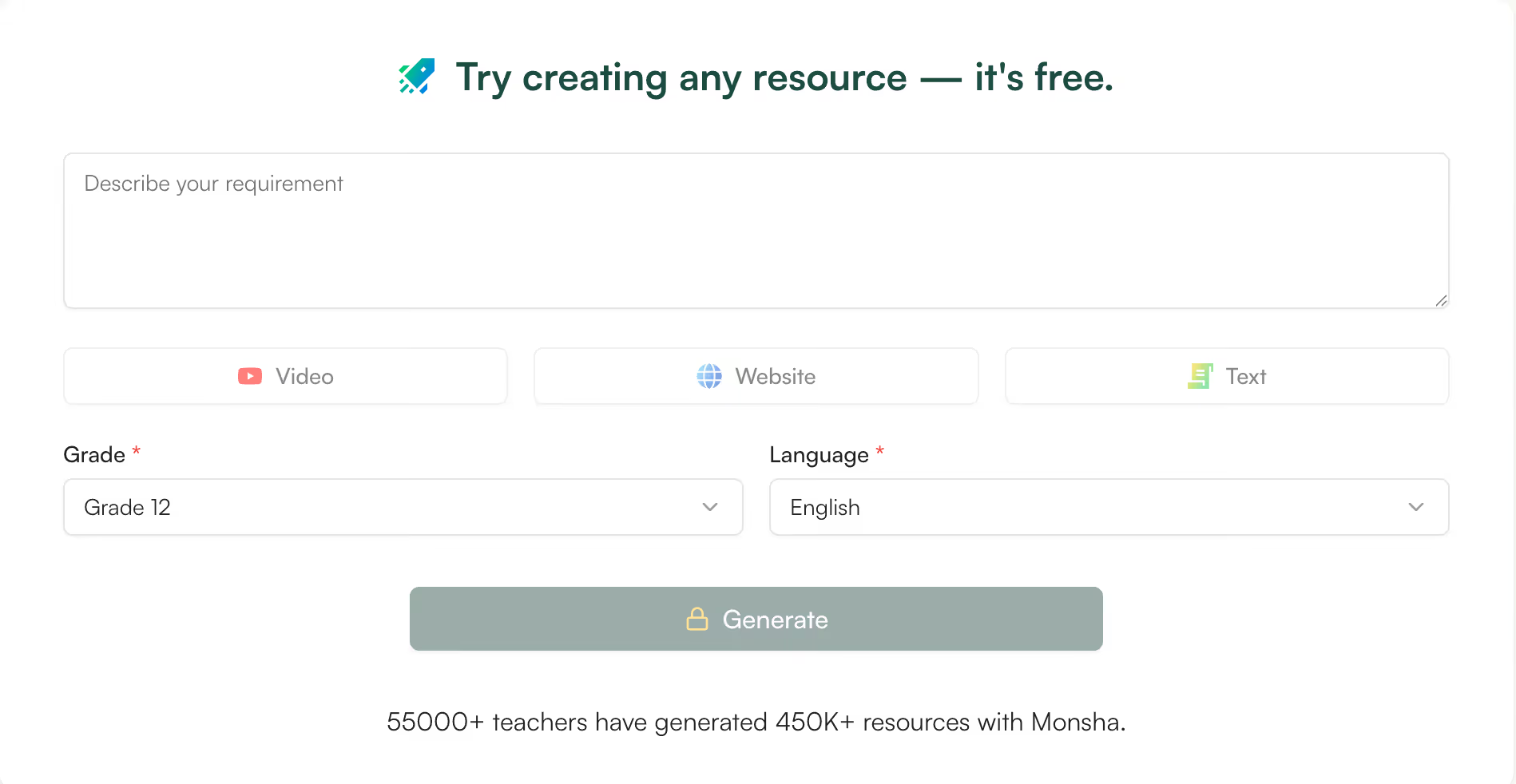
Most AI tools for teachers fail them for one simple reason: they expect you to figure everything out through prompts. That’s not how teaching works.
Monsha is built differently.
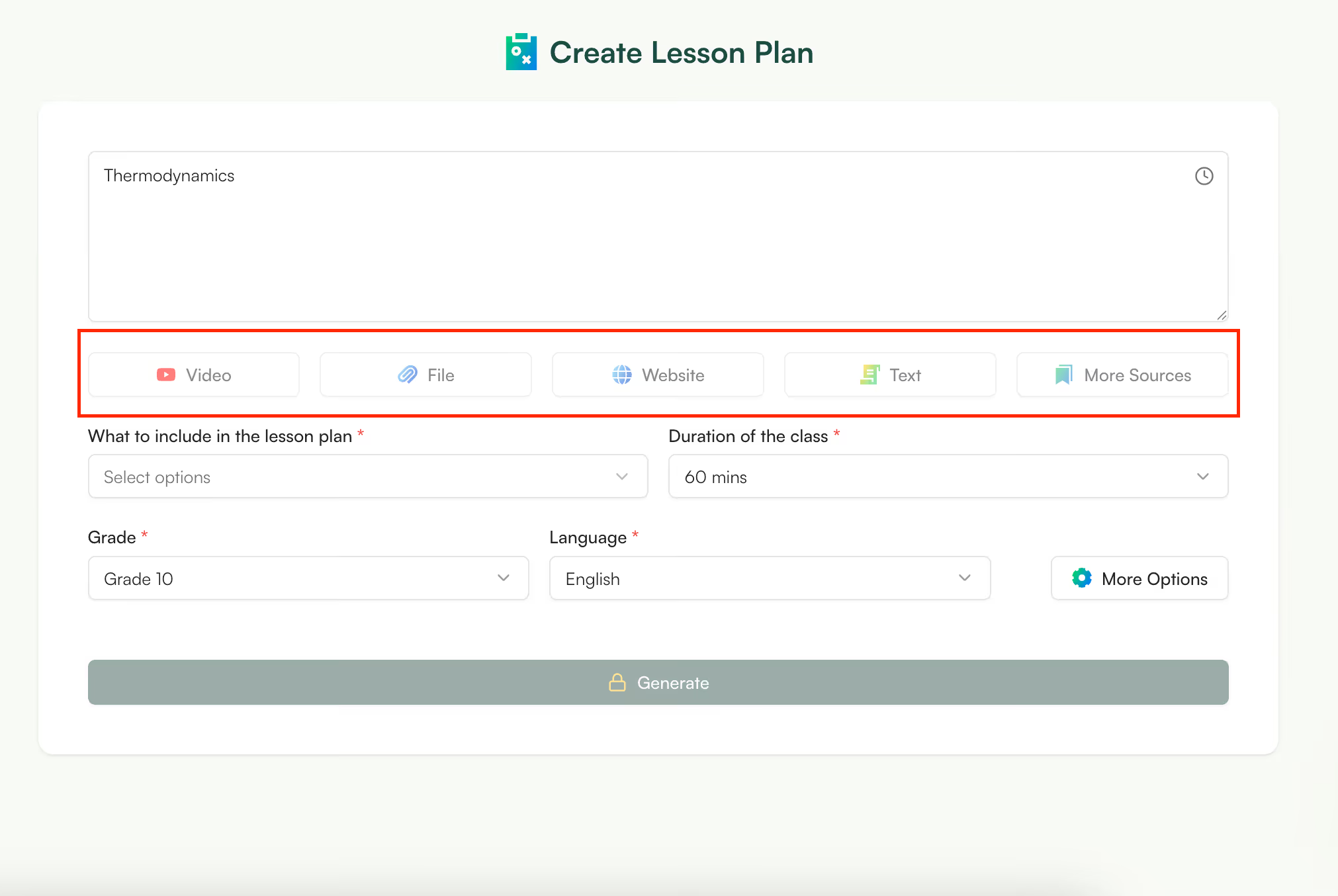
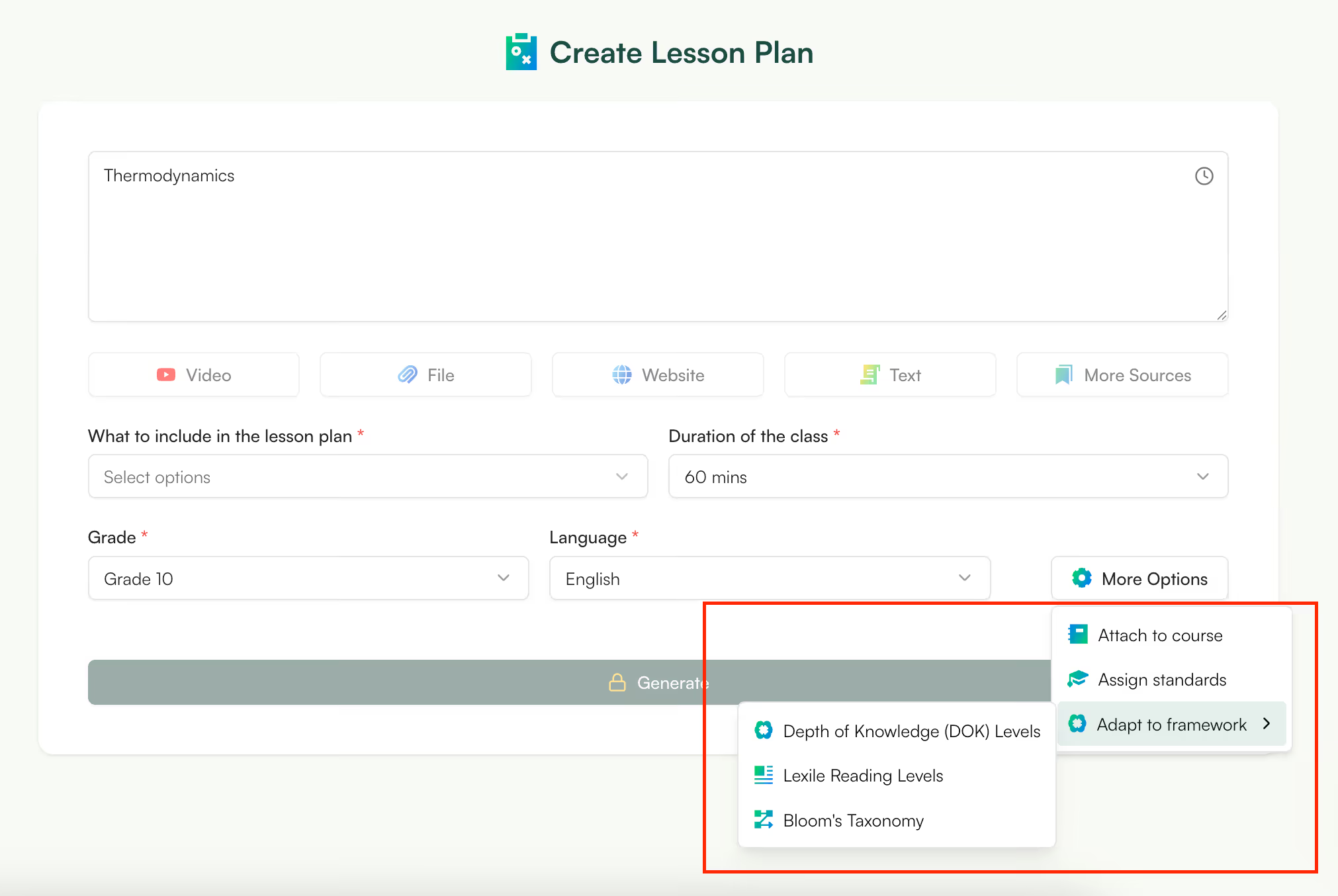
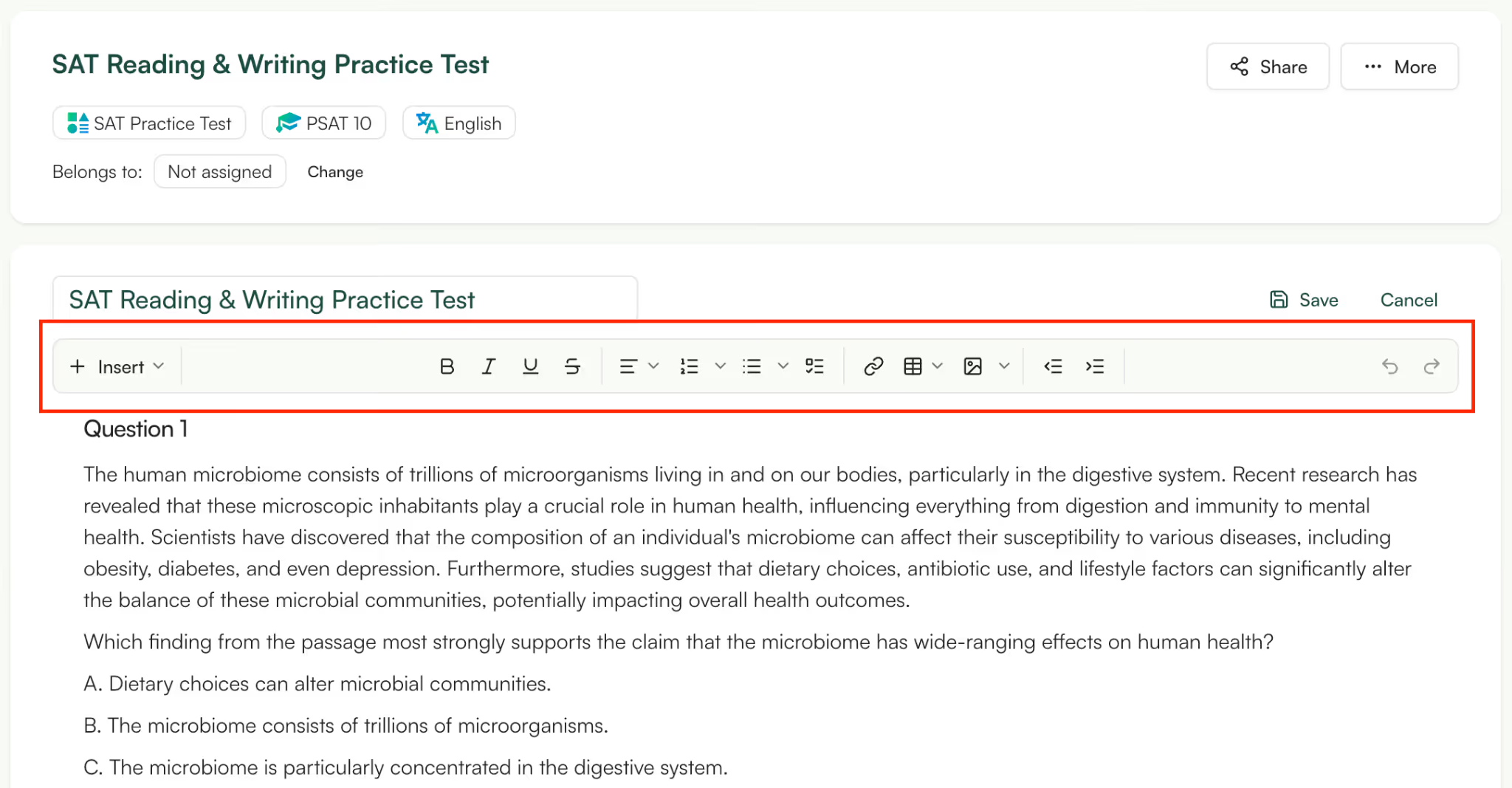
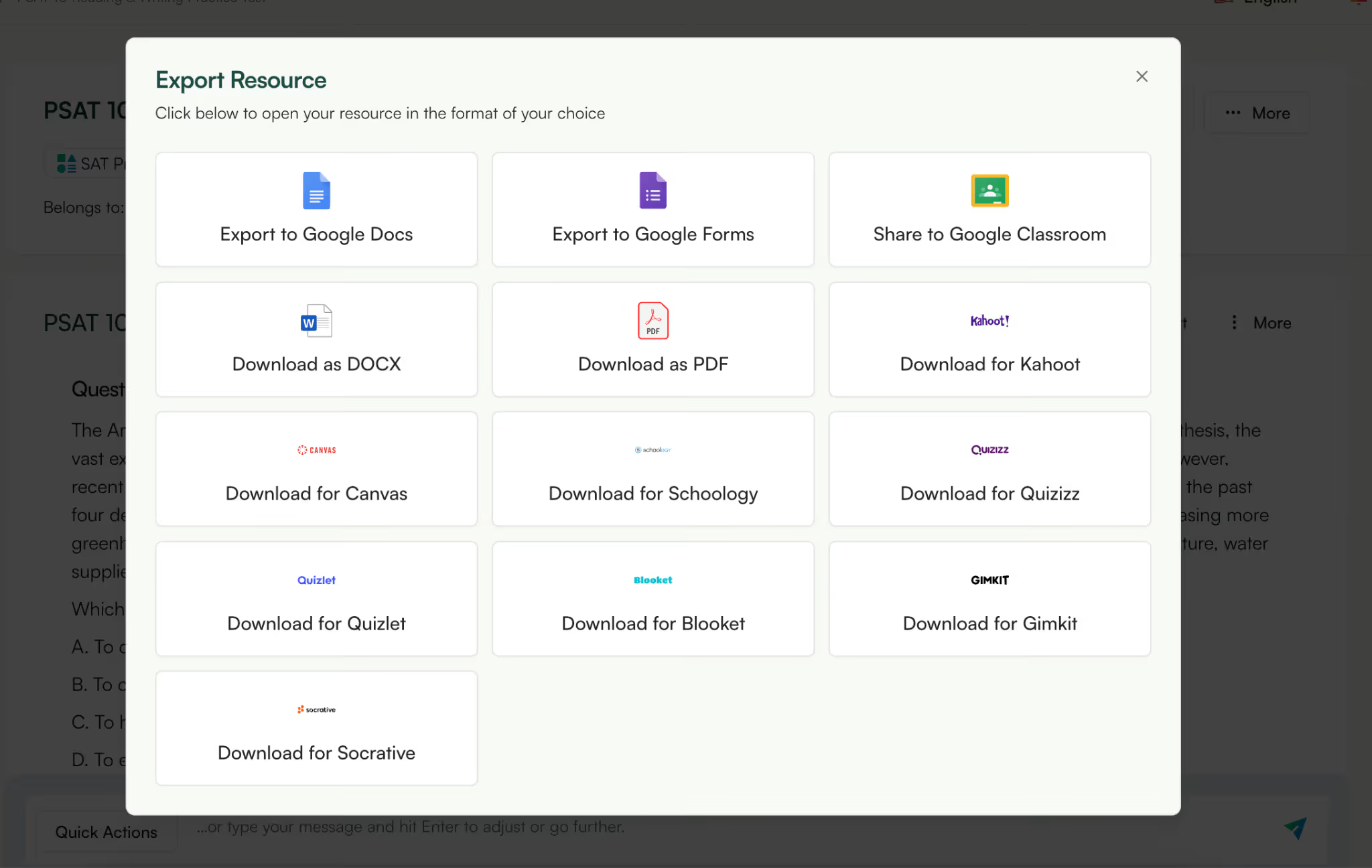
Monsha is built to keep teachers in control while still saving time. Instead of forcing you to rely on prompts or accept generic AI output, it’s designed around real classroom decisions, what to teach, how deep to go, and who you’re teaching.
By grounding AI in your own sources, supporting differentiation, and keeping everything editable and export-ready, Monsha helps you use AI as a teaching assistant, not a replacement.




AI in Education Content
Pooja Uniyal works closely with teachers and schools to understand and guide how AI is being used in real classrooms today. Her work at Monsha focuses on capturing practical teaching workflows and turning them into clear, usable guidance for educators exploring AI in their daily planning.
Join thousands of educators who use Monsha to plan courses, design units, build lessons, and create classroom-ready materials faster. Monsha brings AI-powered curriculum planning and resource creation into a simple workflow for teachers and schools.
Get started for free

.avif)
.avif)