NotebookLM is powerful—but it’s not the only AI tool for teaching. This guide compares NotebookLM for teachers with top alternatives like Monsha, MagicSchool AI, Eduaide.AI, and more, so you can choose the right tool for lesson planning, presentations, assessments, and everyday classroom workflows.
.avif)
If you’re a teacher experimenting with AI, chances are you’ve already come across NotebookLM for teachers. It helps you understand curriculum documents, create quizzes, flashcards, summaries, and even audio or video overviews from your content. Sounds great on paper.
But once you start using NotebookLM for education in real classrooms, a few questions show up fast.
In this guide, we break down what NotebookLM does well for teachers, where it falls short, and the top NotebookLM alternatives for teachers.
By the end, you’ll know exactly which AI tool makes sense for how you teach.
NotebookLM stands out as an AI tool for teachers because it works directly with your teaching materials and helps you turn them into usable classroom resources.
Instead of acting like a generic chatbot, it functions as a content-aware assistant that supports lesson planning, assessment creation, and student understanding.
Here’s how NotebookLM actually helps you in day-to-day teaching.
You can upload the exact materials you teach from - PDFs, Google Docs, Slides, articles, or notes - in NotebookLM. The AI then creates resources based on those resources only.
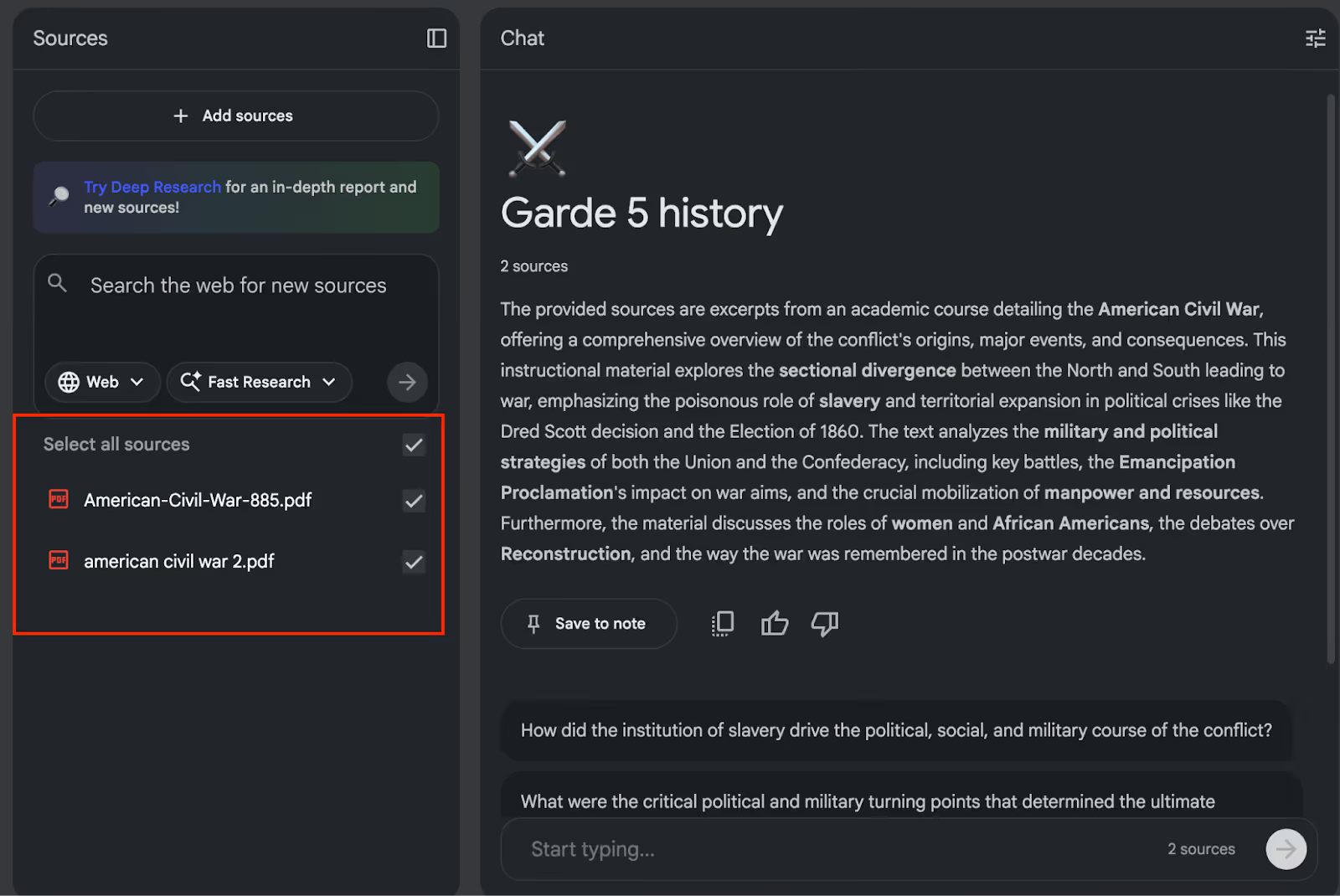
For example, look at the sources in the above image. Once I upload these PDFs, they become the only source of information for NotebookLM. You don’t have to worry about the tool pulling in random information from the internet or drifting away from your syllabus.
If you want it to search from the web, you can click on ‘web’ or ‘try deep research’. This is one of the main reasons teachers trust NotebookLM for classroom use instead of ChatGPT.
NotebookLM has a ‘studio’ section that helps you quickly generate flashcards, quizzes, and question sets from your uploaded content. You don’t need to manually rewrite chapters into assessments or revision material.
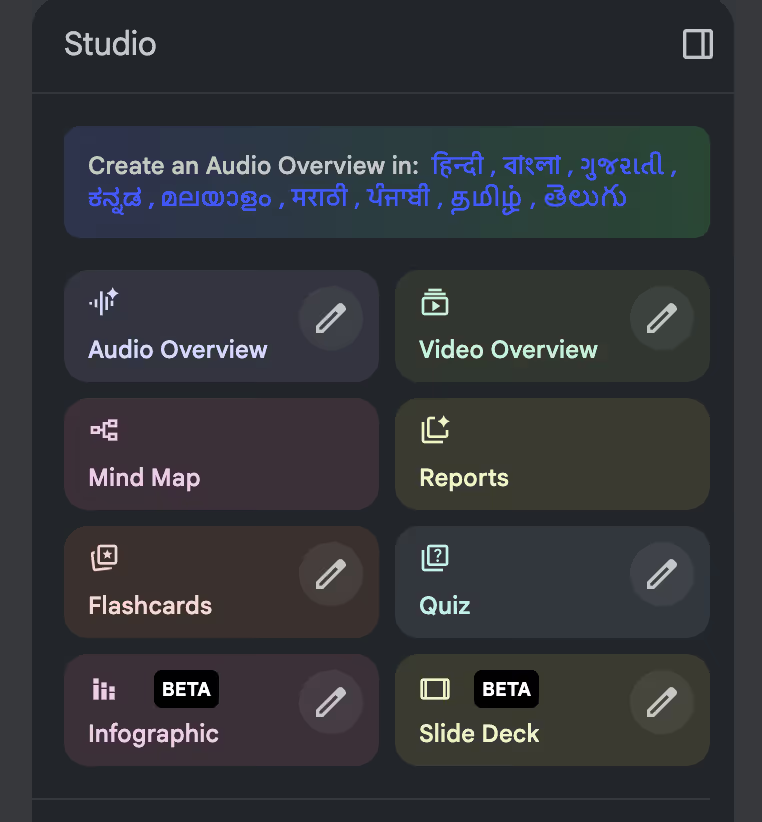
If you regularly spend time turning chapters into questions, this feature alone can save you hours every week.
When you upload a long or complex document, NotebookLM can break it down into summaries and concept structures like mind maps.
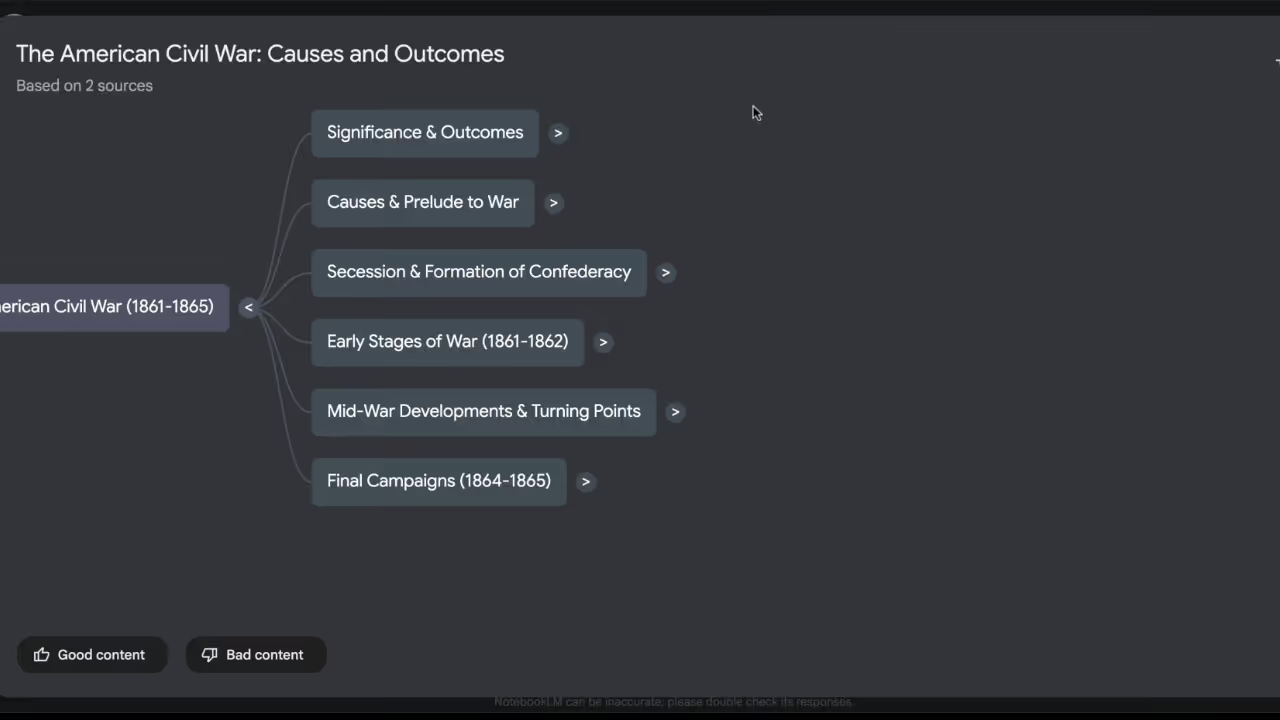
You can use these outputs to:
This is especially helpful when you’re teaching a topic after a long gap or working with dense curriculum content.
When you select an overview, NotebookLM analyzes your documents and generates a structured explanation based entirely on your sources.
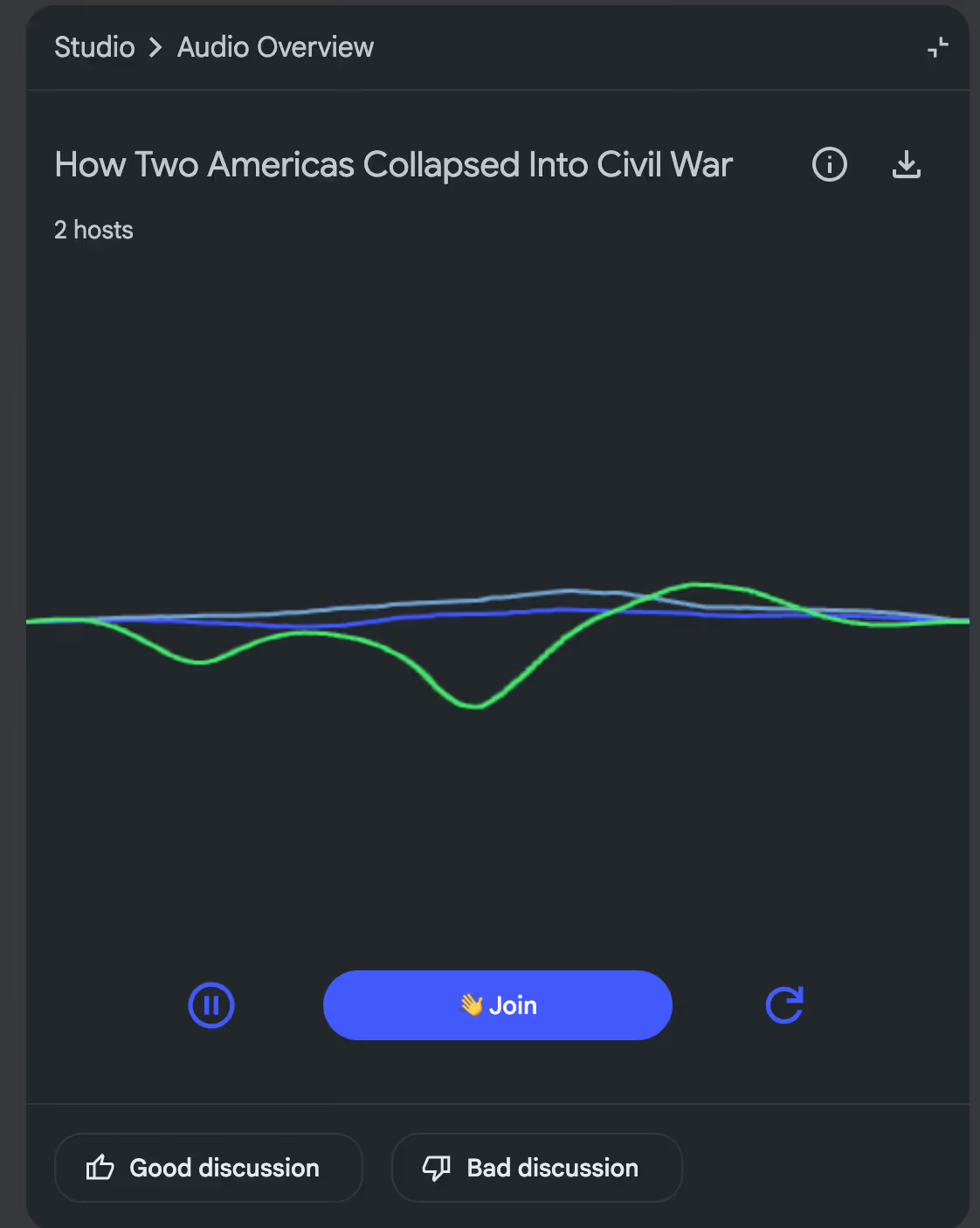
With audio overviews, you get podcast-style explanations where two AI generated voices discuss key ideas. It sounds like a normal conversation. You can share these with students for quick revision.
The best part is, you can join the conversation by clicking on ‘join’ and ask questions in between the podcast. NotebookLM’s AI listens to your questions and answers them based on the research materials. This can be a great learning experience for the students - a fun experience if you ask me.
With video overviews, NotebookLM generates narrated explanations supported by visual slides. This really helps when you’re teaching abstract or complex topics that benefit from visual sequencing.
These overviews are generated directly from your uploaded content, so you don’t have to script or record explanations manually.
NotebookLM also helps you create slide-style explanations from your teaching materials. Instead of starting with a blank page in powerpoint, you can convert long documents, lesson notes, or reference material into an AI generated presentation.
These slides follow the logical flow of your content. They highlight key points and concepts that matter for instruction. You can then review, edit, or export them to use in class or share with students.
While NotebookLM’s slide creation focuses on explaining content, it doesn’t function as a full presentation-building system for teachers. You don’t get control over the presentation content.
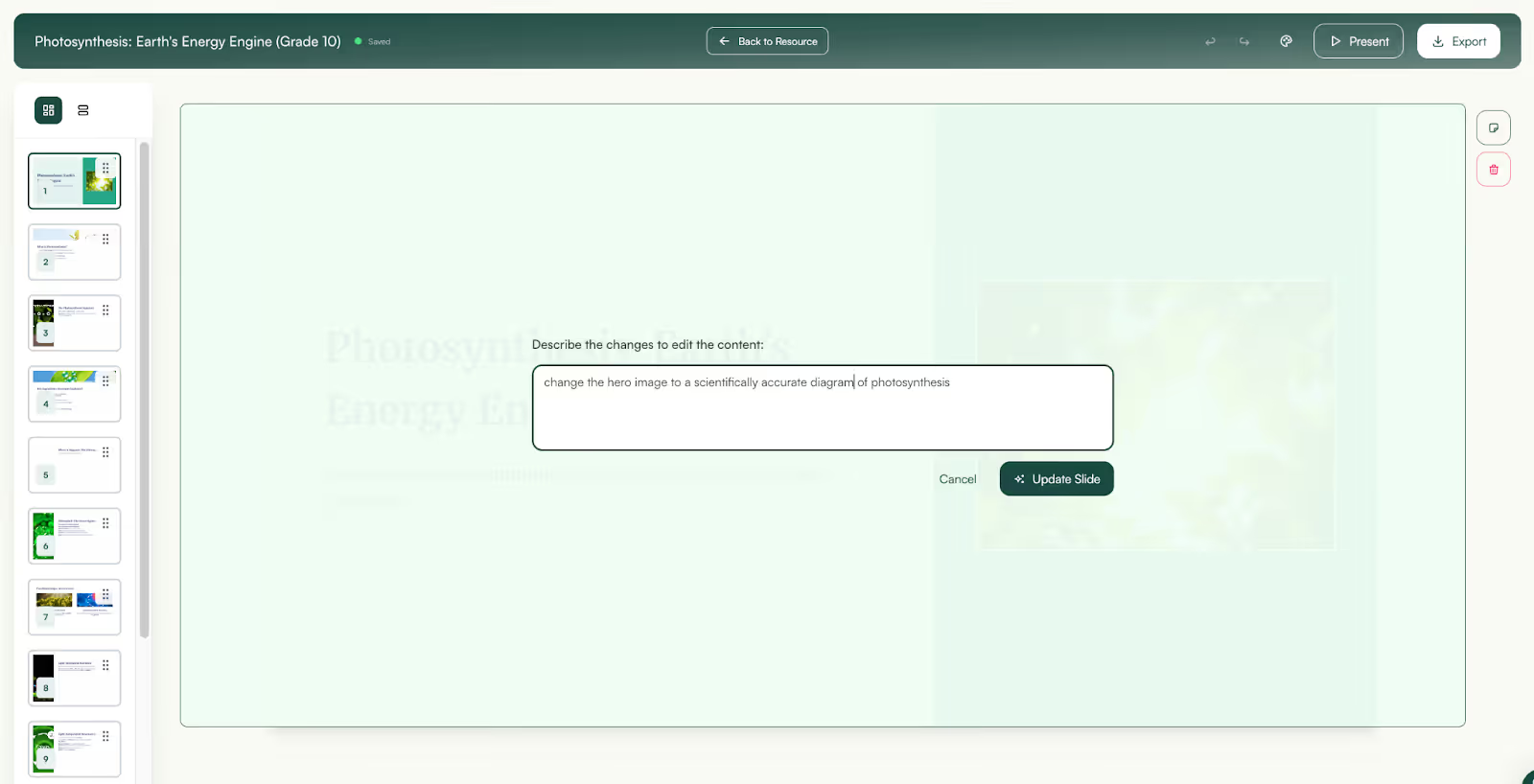
For example, Monsha’s presentation maker shares the outline of the presentation first. You can tweak content, add or change images and customize the whole presentation to make it suitable for your classroom.
Even after you generate the presentation, all elements within each slide are editable so you get full control of your presentation.
You can use NotebookLM for teaching and generating supporting materials, but it has limitations as a long-term AI teaching tool.
All resources like flashcards, quizzes, summaries, and slides - live as isolated outputs. You can’t easily connect them to lessons, group them into units, or build a structured curriculum around them. There’s no native way to plan a subject from start to finish or see how today’s lesson fits into the bigger picture.
Also, there’s no dedicated workspace in NotebookLM for teachers to store, organize, and reuse what you create.
For example, if you want to adapt last year’s materials, differentiate them for another class, or build on existing resources, you end up managing everything manually outside the tool. Basically, NotebookLM doesn’t manage teaching as a system
That’s why many teachers start looking for NotebookLM alternatives that support the whole teaching workflow.
If you’re using NotebookLM or saw its use cases online, you may be aware of the limitations. The tools on the list below solve those limitations:
Monsha is an AI teaching assistant built by teachers, for teachers.
Monsha has 20+ tools built specifically for teachers who want a connected system to plan their lessons, create resources, organize curriculum, and reuse everything year after year.
Even though NotebookLM can do a lot for teachers, it's only a chatbot. You need a tool that connects multiple resources so you can run your teaching workflow at one place.
Here's why Monsha is the best choice to do that:
Unlike NotebookLM, Monsha is designed as a central workspace for teachers. Everything you create lives inside an organized system instead of floating around as isolated files.
You can structure your work by:
This means your worksheets, quizzes, slides, and lesson plans are all connected. When you open a lesson, you see every resource tied to it, not just a single output generated once and forgotten.
With this structure in place, you don’t have to repeat the same work every academic year,
Monsha helps you create the exact resources you use in class, including:
You can generate these from a topic, document or PDF, YouTube video, website link or any existing resources you’ve already created in Monsha.
Instead of switching between tools for lesson planning, assessment, and presentations, you do everything in one place.
With Monsha, you can generate AI presentations from a topic, uploaded files, YouTube links, or web URLs.
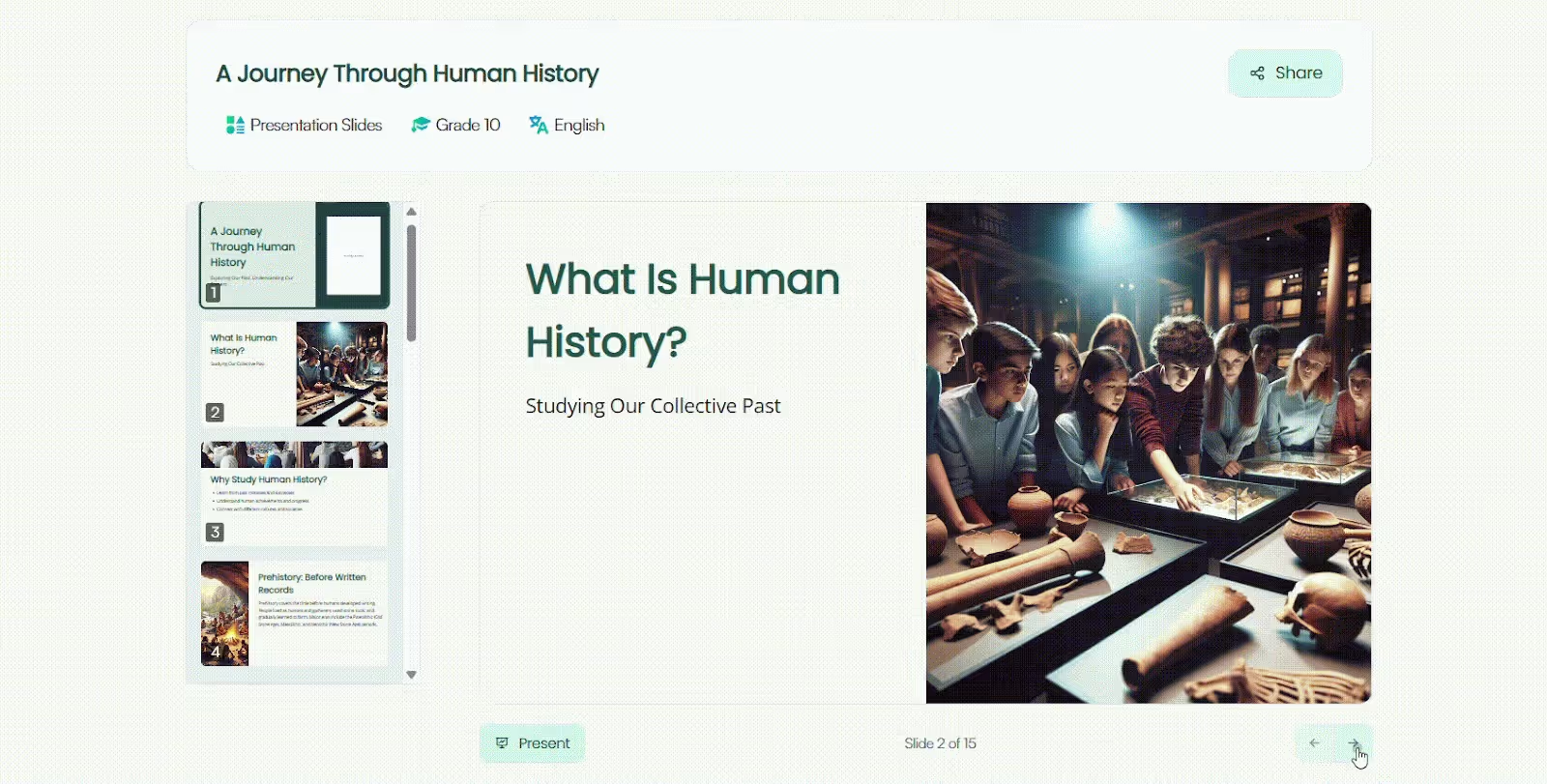
Unlike in NotebookLM, you have full control of your slides. You can generate your presentation content from lesson plans, worksheets, existing resources, videos, or links and instantly get a structured presentation that fits what you actually teach.
Once Monsha generates your presentation, you can:
After your slides are generated, Monsha keeps them in your workspace so you can reuse, refine, or adapt them anytime - for another class, a different grade, or a new unit.
For example, you can use a presentation to create a worksheet or use a worksheet to create handouts.
NotebookLM can summarize content, but it doesn’t help you intentionally design differentiated instructions. But Monsha is built with classroom diversity in mind.
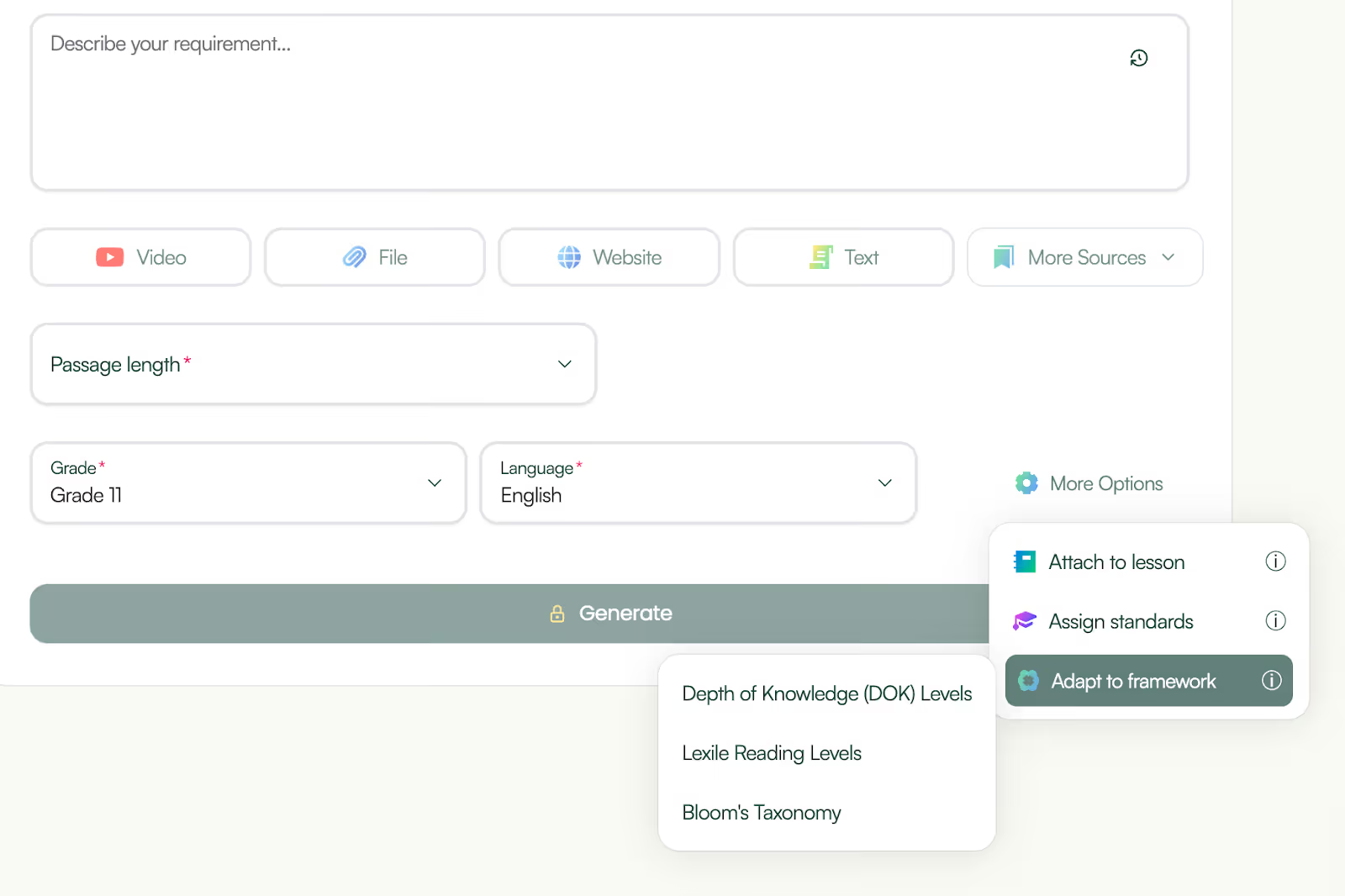
You can adapt resources by:
This helps you teach the same concept to different classes or ability levels without starting from scratch each time.
Monsha isn’t a generic AI tool adapted for education. Along with the product, you also get access to a teacher community on Facebook where you can ask questions and also receive ongoing product updates based on teacher feedback

This makes Monsha feel less like software you “figure out” and more like a teaching partner that grows with your needs.
Over time, Monsha becomes a living library of your teaching work, not just a place where you generate content once. For teachers who plan across terms or academic years, this is a major advantage over NotebookLM.
Monsha is the great alternative to NotebookLM:
In short, NotebookLM helps you study and explain content and Monsha helps you plan, teach, and deliver it, end to end.
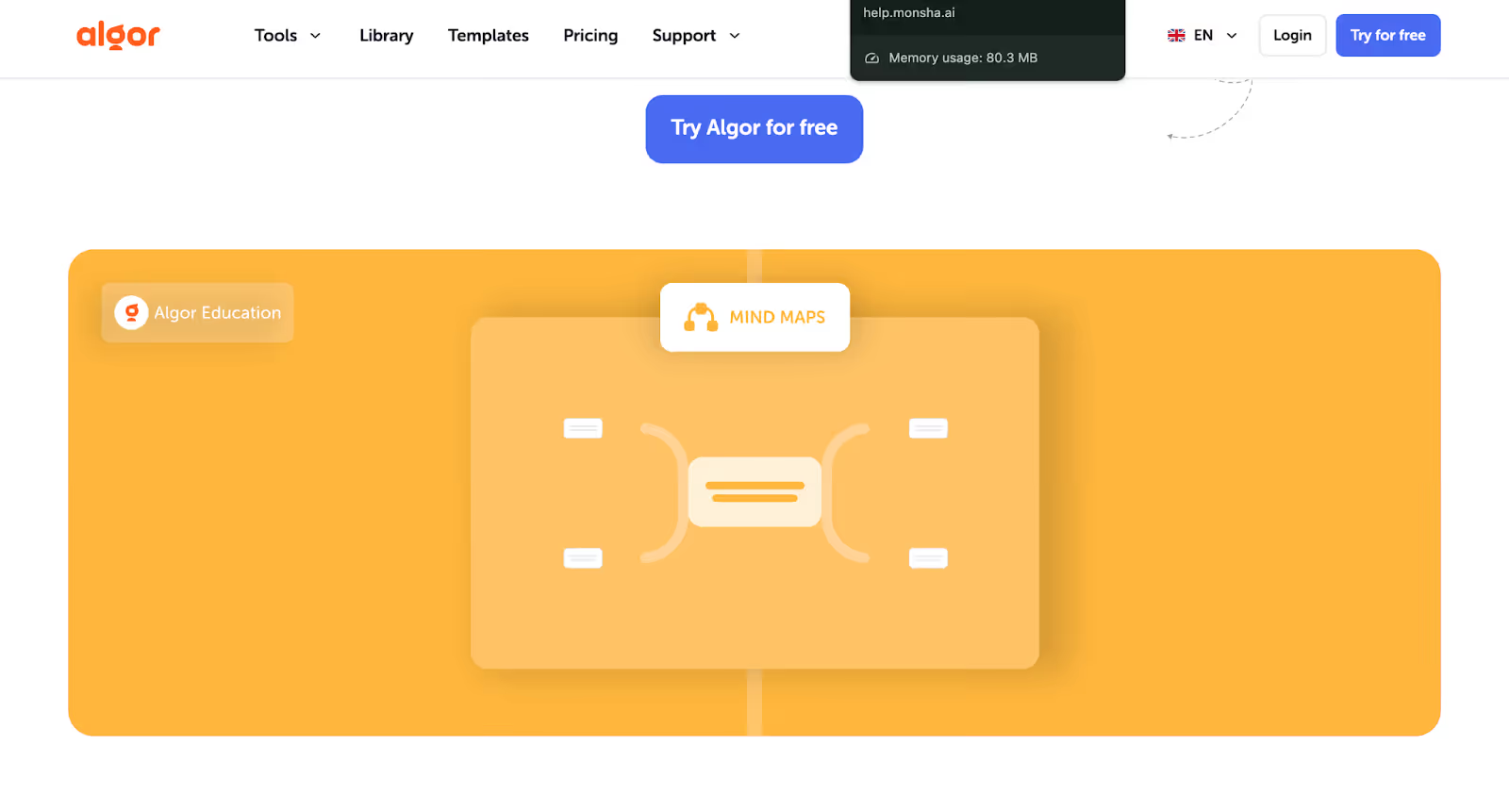
Algor Education is often considered by teachers who want stronger visual organization and concept mapping.
If you’re interested in NotebookLM for teaching, you’ll find Algor’s approach to AI more visual over conversational explanations.
Here are top reasons to consider Algor Education as a NotebookLM alternative:
Compared to NotebookLM, which explains content in text or audio formats, when you upload documents to Algor Education, the tool automatically converts your content into concept maps that show relationships between ideas.
This comes in handy if you teach subjects where connections between topics matter more than linear explanations.
Algor also allows you to generate quizzes, flashcards, and summaries directly from your uploaded content. This overlaps with how NotebookLM for teachers creates learning resources, making Algor a viable alternative when your focus is revision and reinforcement.
You can use these materials to:
Remember how NotebookLM converts text into audio and video overviews, Algor does the opposite. It creates transcriptions from your audio and video files.
You can upload lectures, meetings, podcasts or interviews and Algor turns it into readable text. So, if you want to create detailed notes from a lecture or study from a video that is recorded in another language, Algor’s transcription features come in handy.
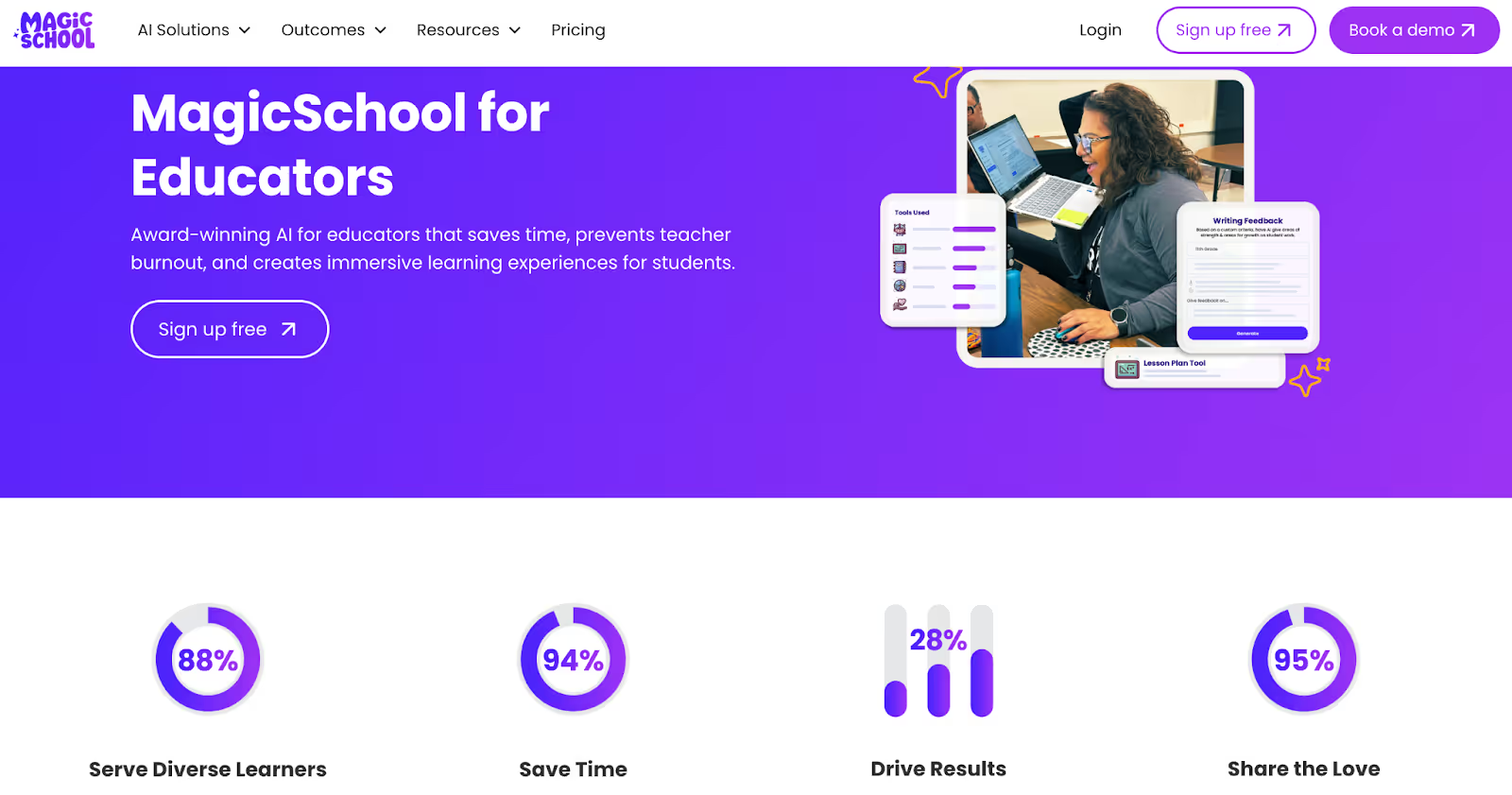
MagicSchool AI is not a single assistant, it’s a platform with 80+ AI-powered teaching tools that help with common classroom workflows like lesson planning, content generation, and assessment design.
Here are top reasons to consider MagicSchoolAI as a NotebookLM alternative:
This means, unlike NotebookLM (which primarily analyzes your uploaded curriculum materials and helps you generate flashcards, quizzes, and summaries from them), MagicSchool lets you choose specific tools for:
These built-in tools help you automate tasks you might otherwise do manually.
MagicSchool AI tools include text levelers and translators, which let you adapt content for learners at different skill levels without rewriting entire lessons.
Because the platform is designed specifically for K–12 contexts, it also focuses on standards-aligned lesson ramps, assessments, and learning objectives, so you can generate materials that fit curriculum goals.
MagicSchool AI supports both teacher workflows and student engagement. In addition to tools for planning and resource creation, the platform offers:
Every tool in MagicSchool includes a “show an exemplar” feature and high-quality sample outputs, so you don’t need to learn complex LLM prompting, you fill in a few fields and get usable results quickly.
This can be especially helpful if you want to generate high-quality lesson plans or rubrics without spending time crafting detailed AI prompts from scratch, something you typically need to do with NotebookLM and many general LLM tools.
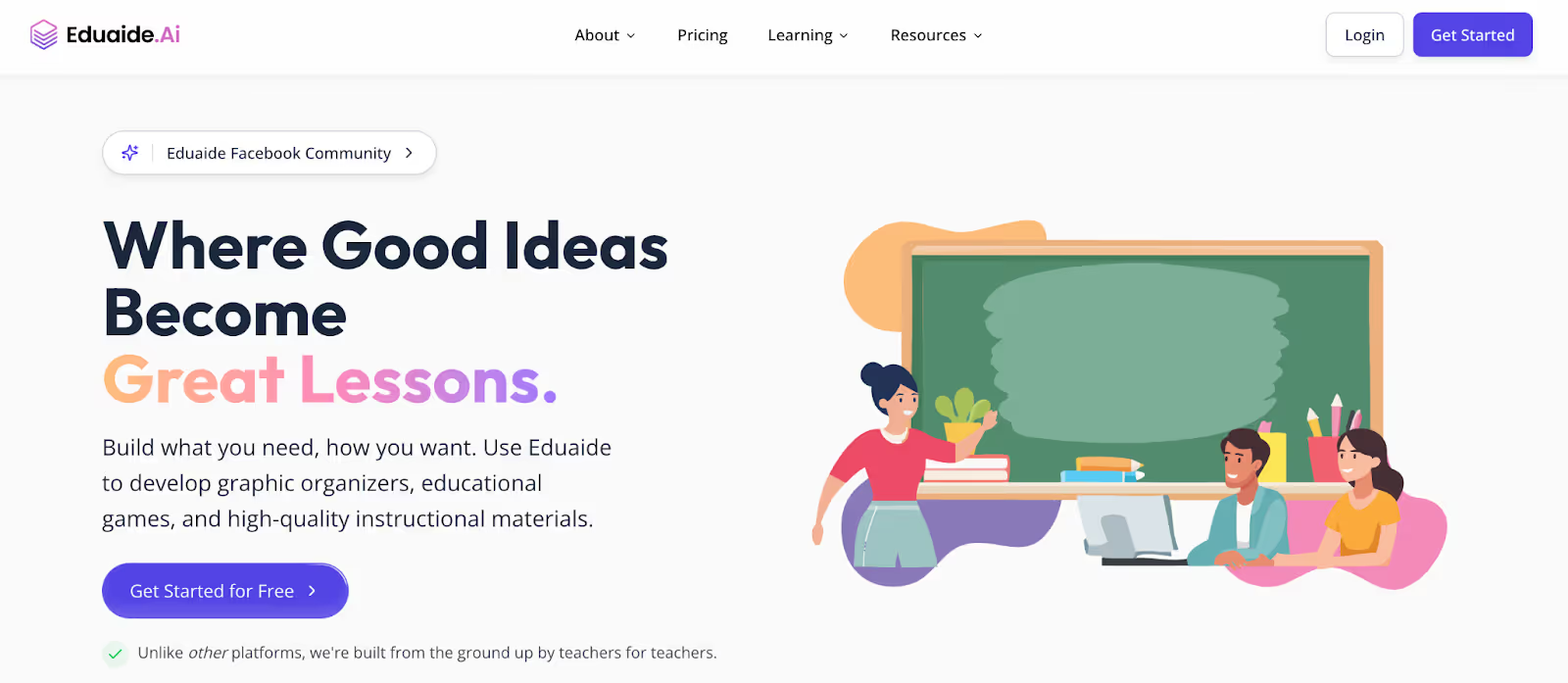
Eduaide.AI is a comprehensive AI platform designed for educators who want help not just with generating materials but with instructional design grounded in real teaching frameworks.
Here are top reasons to consider Eduaide.ai as a NotebookLM alternative:
The platform includes generators that create lesson plans structured around these pedagogical models.
For example:
This is a real advantage for teachers wondering how to use NotebookLM for teaching complex lesson design, because NotebookLM does not natively generate lesson plans structured around established educational theories.
With Eduaide, you don’t need to upload your own files to generate relevant content. You specify subject, grade level, learning objectives, lesson duration or topic and the system produces structured lessons, activities, and assessments that align with your instructional goals.
Eduaide supports more than just lesson frameworks. Its content generators include:
Because Eduaide prompts you to choose lesson frameworks (like Gagné’s or Hunter’s), it aligns generation with * pedagogy* rather than treating all materials as unstructured outputs.
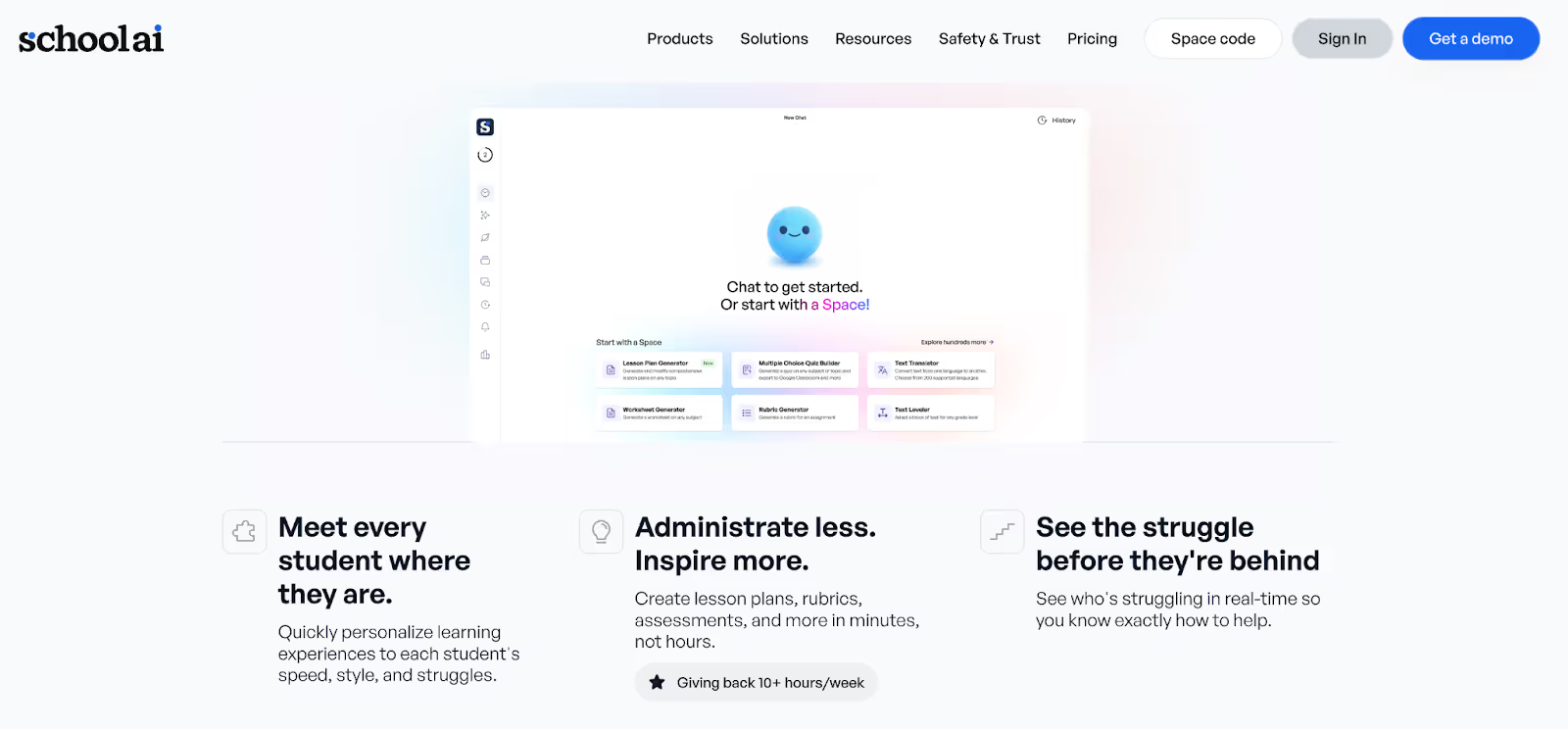
SchoolAI is a comprehensive AI education platform focused on supporting both teacher workflows and student learning. It goes beyond question-grounded tools like NotebookLM for teachers by offering real-time student insights, adaptive learning paths, and interactive lesson environments.
Here are top reasons to consider SchoolAI as a NotebookLM alternative:
SchoolAI uses AI-driven tutoring and adaptive content to monitor student progress, identify struggles, and adjust tasks accordingly. It has adaptive systems that emphasize real-time assessment and offer differentiated support to meet diverse learner needs.
Instead of relying on uploaded documents like you do with NotebookLM, SchoolAI uses customizable Spaces where students interact with content, tutorials, and bots designed around specific topics or skills.
You can create a Space for anything from bell-ringers and exit tickets to full interactive units. Students engage with these spaces independently or in groups, and SchoolAI tracks their progress, making it easier for you to see who is mastering concepts and who needs help.
NotebookLM is a great starting point for using AI in the classroom. It's a powerful way to work with curriculum documents, generate quizzes and flashcards, and explain complex content quickly. But as this comparison shows, teaching usually needs more.
Lesson planning, presentations, assessments, differentiation, and long-term organization all play a role in how smoothly your classroom runs. You need tools built specifically for teaching workflows.
That’s where Monsha steps in. It brings lesson planning, worksheets, quizzes, flashcards,
presentations, and curriculum organization into one connected system, so what you create today is easy to reuse, adapt, and build on tomorrow.
For teachers already using NotebookLM, Monsha is a suitable next step. Instead of juggling multiple tools for lesson planning, you get one platform designed around how teachers actually plan, teach, and refine their lessons over time.
In the end, the best tool isn’t the one with the most features, it’s the one that fits how you teach. If you’re ready to move from isolated AI outputs to a complete teaching workflow, try Monsha today.
Yes, NotebookLM is useful for teachers who want help understanding and summarizing their own teaching materials. You can upload PDFs, Google Docs, or slides and generate quizzes, flashcards, summaries, mind maps, and audio or video overviews based on that content. However, NotebookLM is better suited for content comprehension than full lesson planning or curriculum management.
Teachers typically use NotebookLM to break down complex curriculum documents, create revision materials like flashcards and quizzes, and generate explanations for difficult topics. Many also use its audio and video overviews for flipped classrooms or student revision. It’s commonly used during lesson prep rather than as a complete teaching platform.
NotebookLM does not have built-in lesson planning tools. While you can prompt it to suggest lesson ideas based on uploaded content, it doesn’t structure lessons into objectives, activities, assessments, or units. Teachers who need structured lesson plans often use dedicated tools like Monsha or Eduaide.AI instead.
NotebookLM doesn’t offer curriculum organization, lesson sequencing, or long-term resource management. The materials you generate aren’t connected to units or lessons, and there’s no central workspace for reusing or adapting resources across classes or academic years. This is why many teachers look for NotebookLM alternatives.
The best alternative depends on how you teach. If you want an end-to-end teaching workflow - including lesson plans, worksheets, quizzes, flashcards, and presentations - Monsha is one of the strongest NotebookLM alternatives for teachers. Other tools like Eduaide.AI or MagicSchool AI may suit specific needs such as pedagogy-based planning or quick task generation.
NotebookLM focuses on analyzing and explaining uploaded content. Monsha focuses on teaching workflows. With Monsha, you can upload documents, create lesson plans, generate classroom-ready resources, build presentations, and organize everything into units and lessons. It’s designed for planning, teaching, and reuse—not just content understanding.
NotebookLM can create slide-style explanations and video overviews with narration based on your uploaded content. However, these are primarily explanatory and not full teaching presentations. If you’re looking for a dedicated AI presentation maker for teachers, tools like Monsha offer more control and classroom-ready slide creation.
NotebookLM offers a free version with usage limits. Some advanced features or higher usage may require a paid plan. Teachers often start with the free version to experiment before deciding whether it fits their workflow or if they need a more teaching-focused platform.
If pedagogy matters—such as lesson frameworks like Gagné’s Nine Events or Hunter’s Model—Eduaide.AI is a strong option. NotebookLM does not support instructional frameworks natively. Monsha also supports structured lesson planning with flexibility across grades and learning goals.
Many teachers use NotebookLM alongside other AI tools rather than replacing it entirely. NotebookLM works well for understanding and summarizing content, while platforms like Monsha help with lesson planning, presentations, assessments, and long-term organization. Using them together often covers more teaching needs than relying on one tool alone.




AI in Education Content
Pooja Uniyal works closely with teachers and schools to understand and guide how AI is being used in real classrooms today. Her work at Monsha focuses on capturing practical teaching workflows and turning them into clear, usable guidance for educators exploring AI in their daily planning.
Join thousands of educators who use Monsha to plan courses, design units, build lessons, and create classroom-ready materials faster. Monsha brings AI-powered curriculum planning and resource creation into a simple workflow for teachers and schools.
Get started for free


.avif)
.avif)