Discover easy ways to turn PowerPoint, PDF, and YouTube videos into clean, student-ready handouts.
.avif)
Teachers rarely start with a blank page. Most lesson plans already live inside a PowerPoint, a PDF, or even a YouTube video. The real challenge is turning those scattered resources into a clean, ready-to-print handout that students can actually use.
Maybe your school shared a massive PDF, but there’s only a few important pointers that you want students to remember. Or, you found the perfect explainer video for a topic but you want your students to follow along with guided questions. Maybe your old PowerPoint has great content, but not in a format students can take home.
In every case, the need is the same: convert your existing teaching material into a simple, structured handout fast.
Whether you want to create handouts from powerpoint, PDF or videos, Monsha helps you with all.
Let’s see how you can do it super quickly.
Below, you’ll find step-by-step instructions for each format and how Monsha turns them into clean, student-ready handouts in seconds.
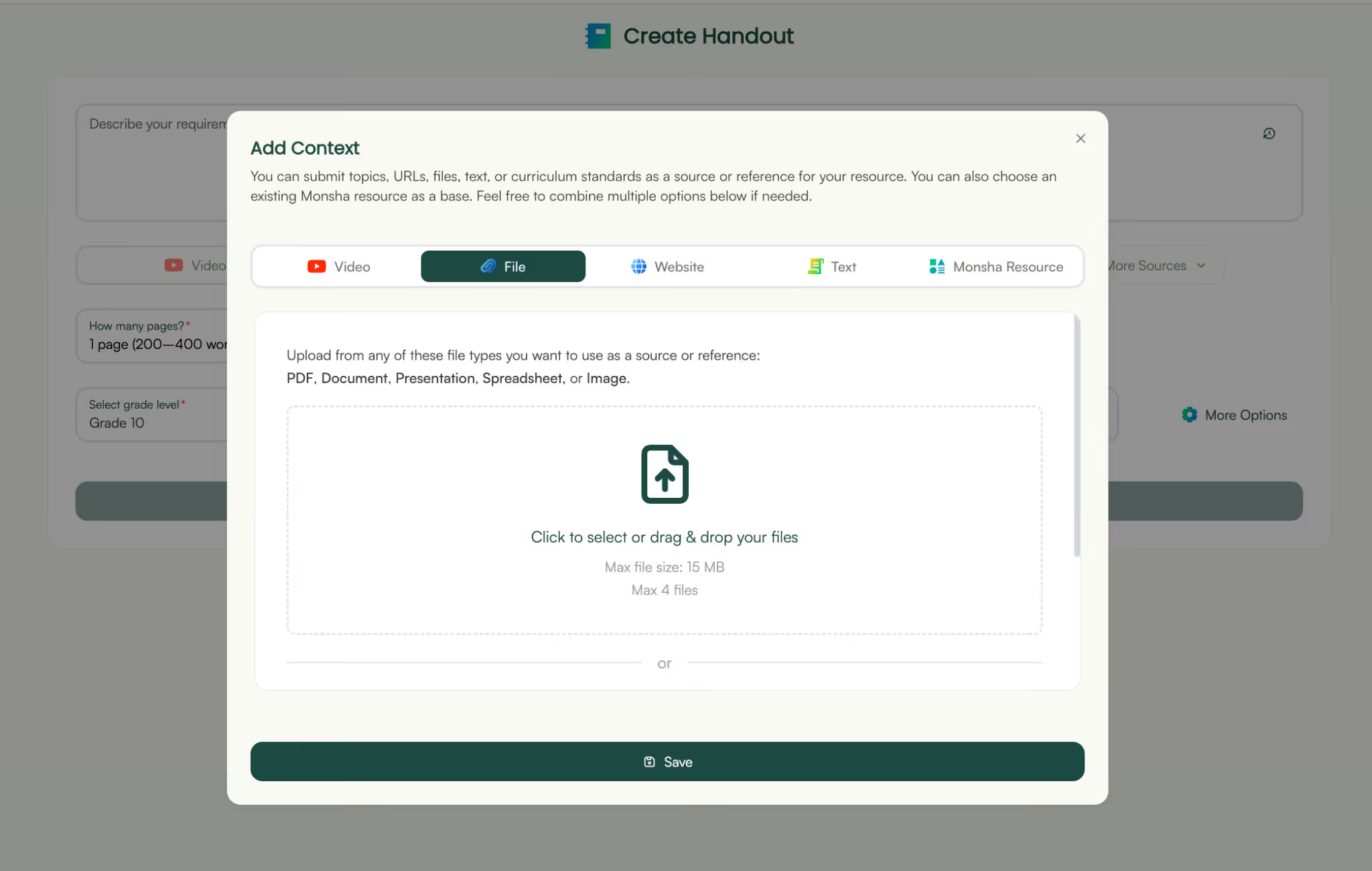
Monsha lets you create handouts from any kind of files. So if you have a presentation ready or you generated a presentation with AI, you can directly create handouts from it.
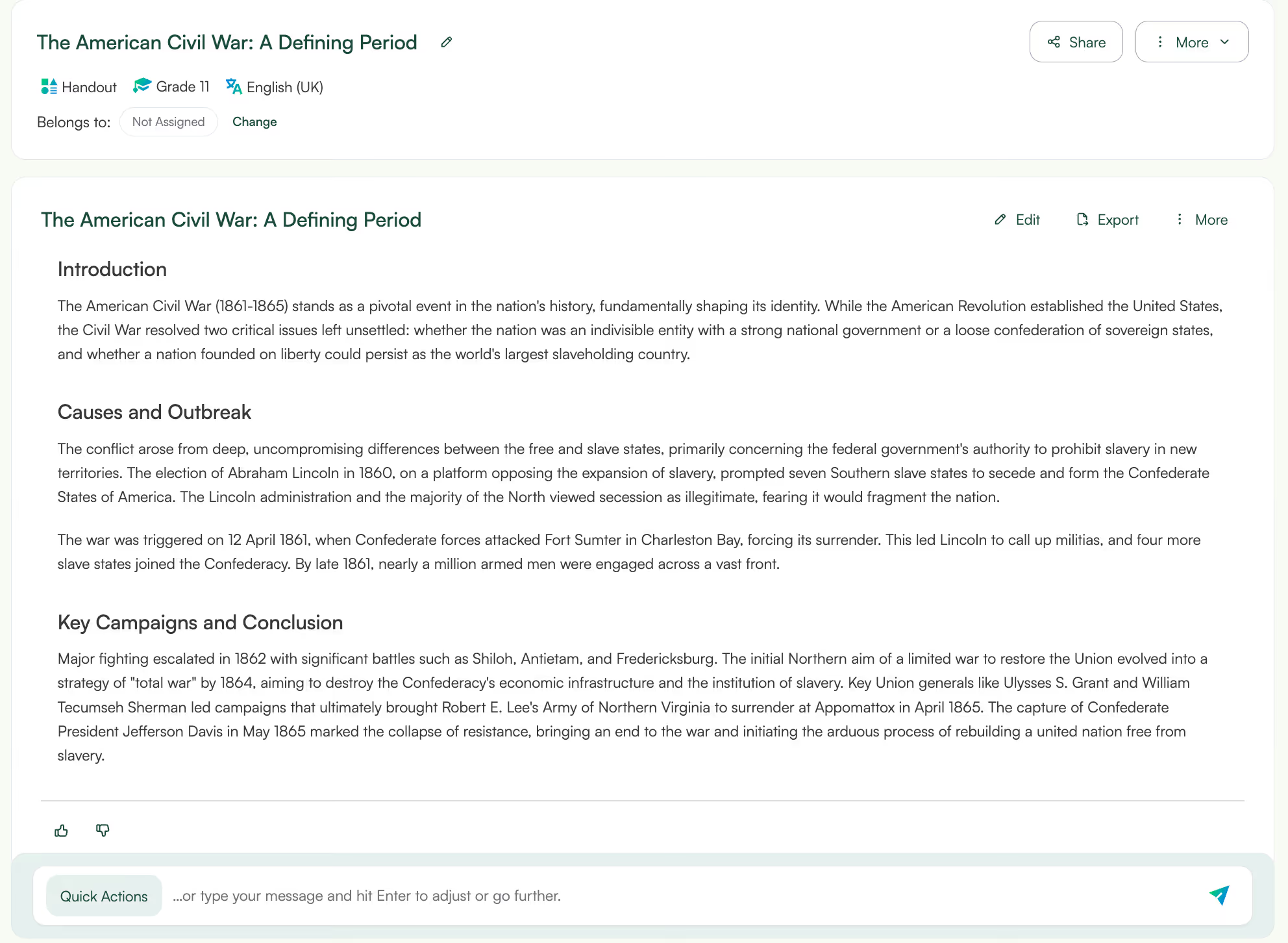
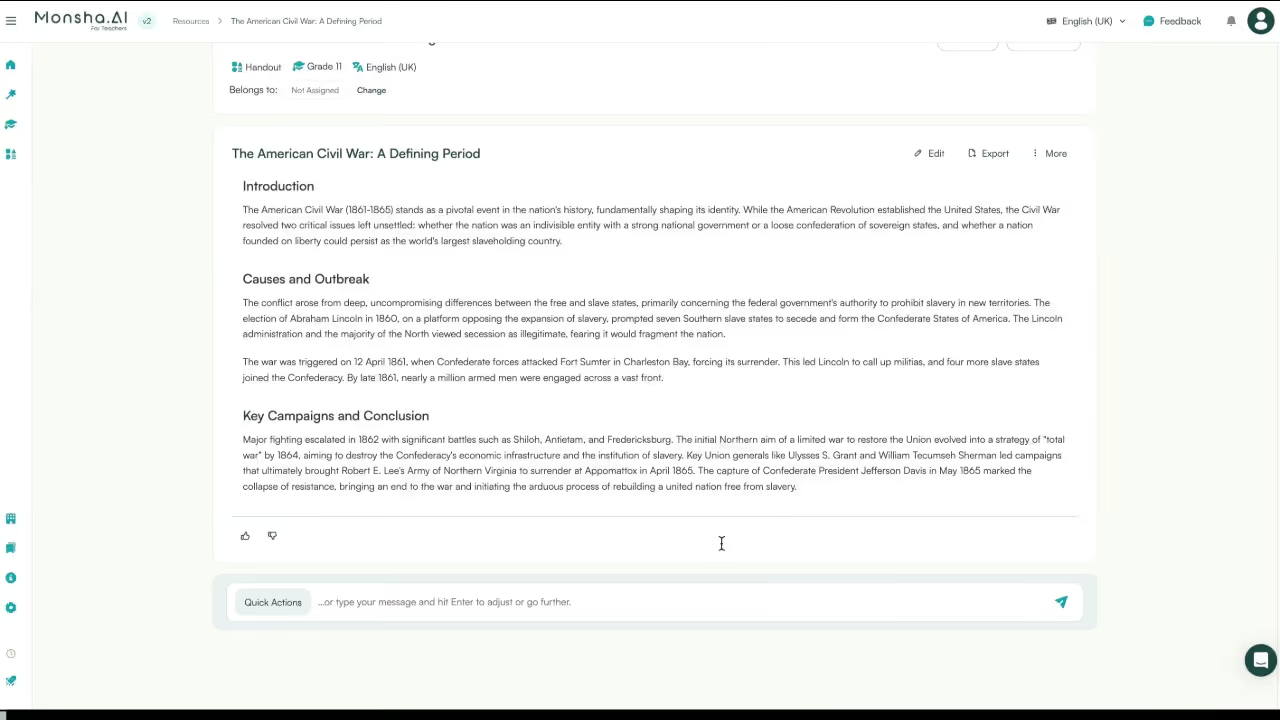
Here’s the step by step process of creating handouts from a powerpoint presentation:
What this solves:
If you have an article or even an ebook handy, you can directly convert the pdf to a handout. Here’s the step by step process of creating handouts from a PDF:
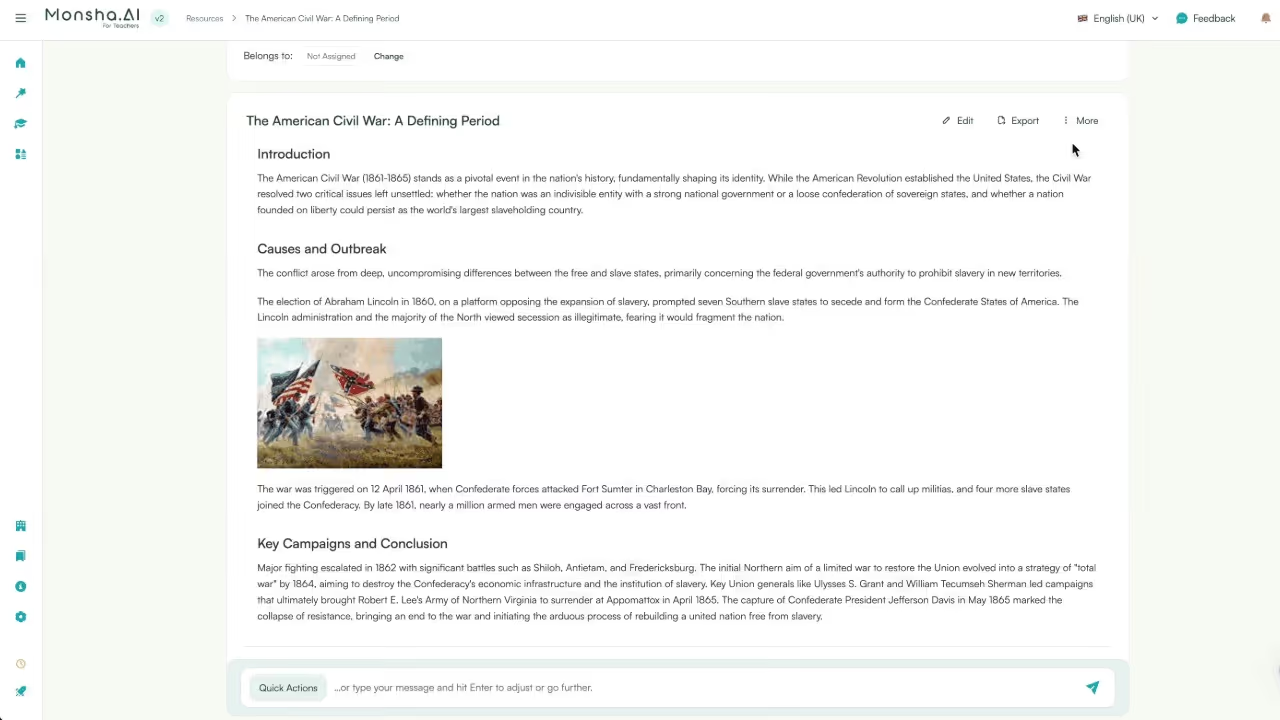
What this solves:

Sometimes you find great pointers in a YouTube video and you want to share those pointers with your students. Here’s the step by step process of creating handouts from a Youtube video:
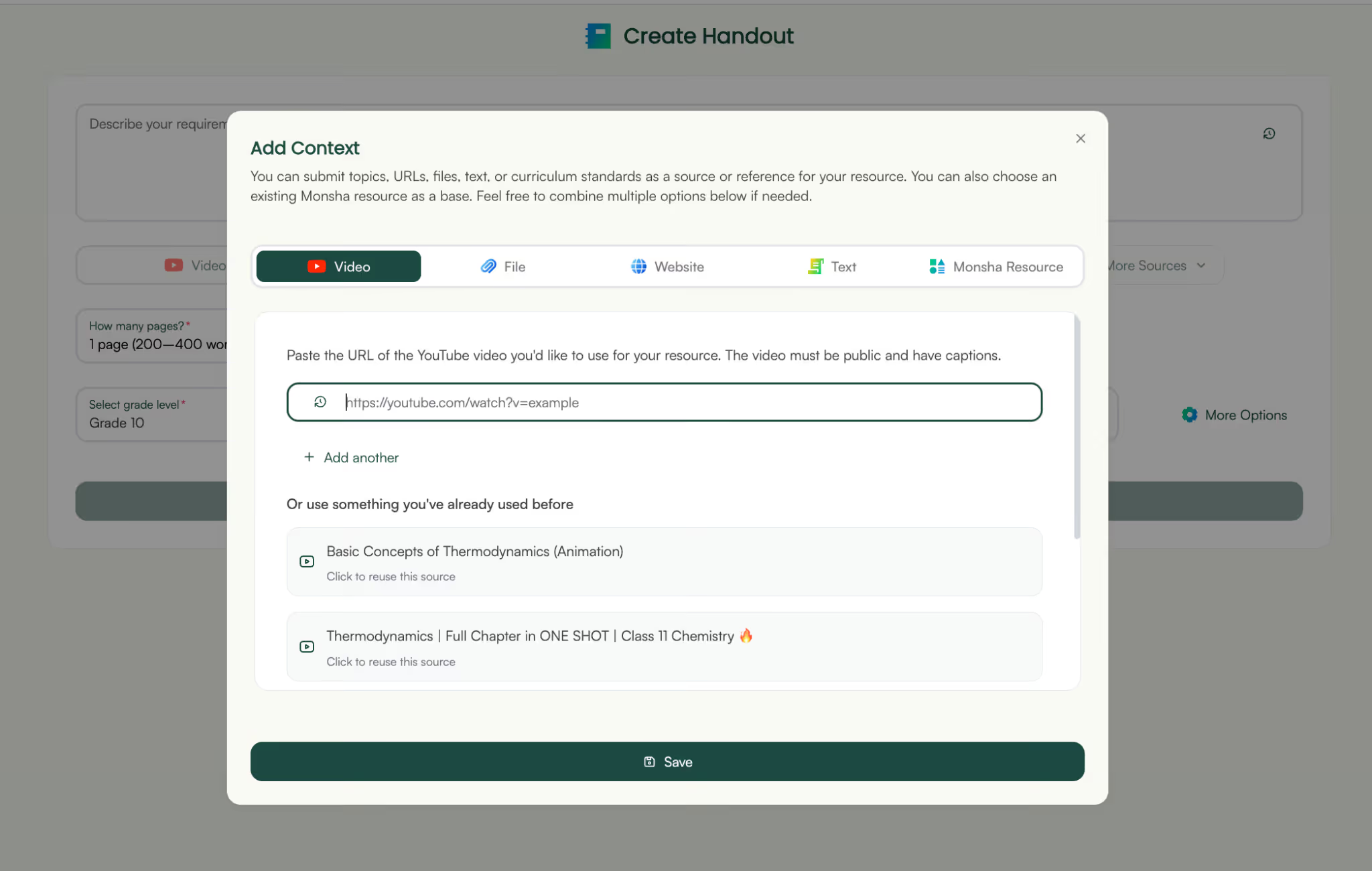
What this solves:
Converting existing educational content into student-ready handouts doesn’t have to be a manual, time-consuming process.
Whether your material lives in a PowerPoint, a PDF, or even a YouTube video, the goal remains the same: make learning easier, more accessible, and more engaging for students.
By using Monsha, you can create handouts in minutes. The best part is, you can go a step further and create worksheets, lesson plans and SAT tests with each handout.
Try Monsha once and you’ll likely wonder: “Why did I ever waste time copying slides manually?”
Did I mention it’s free?
To create handouts from PowerPoint, you can export your PPT as a handout, print slides with notes, or use a tool like Monsha to automatically convert your slides into clean, student-ready handouts. Monsha extracts key points, restructures the content, and formats it into an easy-to-read handout instantly.
If you want PowerPoint handouts with notes, select File → Print → Notes Pages in PowerPoint. This prints each slide with its speaker notes. If you want a cleaner version, upload your PPT to Monsha and it pulls the slide text + notes and formats them into a structured handout.
You can get handouts in PowerPoint by opening File → Export → Create Handouts. This lets you choose layouts like “Slides next to notes” or “Outline only.” For more polished handouts with summaries or questions, you can convert the slides in Monsha.
The fastest way to make handouts from PowerPoint is to upload your PPT to Monsha. It summarizes slides, removes clutter, and generates worksheets, guided notes, or bullet-point handouts within seconds.
To create PDF handouts from PowerPoint, go to File → Print → Handouts and choose how many slides you want per page. Then print to PDF. If you'd prefer text-first, student-friendly handouts instead of slide thumbnails, upload the PPT to Monsha and export the result as a PDF handout.
Upload your PDF to Monsha, pick the pages you want, and choose a handout style: summary notes, guided notes, key takeaways, worksheets, or questions. Monsha converts even long PDFs into readable handouts instantly.
Many online tools allow PDF-to-handout conversion, but most only extract text. With Monsha, you upload the PDF online and get structured handouts, ready to download.
To create a handout from PDF for free, just go to app.monsha.ai and upload your PDF and Monsha will provide a handout in minutes.
To convert PDF to handout online, upload your file to a tool that extracts and restructures the content. Monsha lets you upload your PDF, summarise pages, turn them into guided notes or worksheets, and export your handout as a PDF or Doc.




AI in Education Content
Pooja Uniyal works closely with teachers and schools to understand and guide how AI is being used in real classrooms today. Her work at Monsha focuses on capturing practical teaching workflows and turning them into clear, usable guidance for educators exploring AI in their daily planning.
Join thousands of educators who use Monsha to plan courses, design units, build lessons, and create classroom-ready materials faster. Monsha brings AI-powered curriculum planning and resource creation into a simple workflow for teachers and schools.
Get started for free

.avif)
.avif)