In this guide, we’ll show you how to generate vocabulary worksheets in minutes using AI. You’ll learn how to create vocabulary practice worksheets, customize activities, and turn them into ready-to-use classroom resources with Monsha.
.avif)
A vocabulary worksheet is rarely just a vocabulary worksheet. Sometimes you need it to:
The challenge is creating the right worksheet at the right time without spending your prep period formatting exercises.
This is where an AI vocabulary worksheet maker becomes useful. Instead of building activities manually or adapting random worksheets, you can use a vocabulary worksheet generator to create lesson-aligned vocabulary practice in minutes.
In this guide, you'll learn how to use Monsha as a vocabulary worksheet creator to generate vocabulary practice worksheets step-by-step, customize activities, and turn them into ready-to-use classroom materials.
Here’s how you can use Monsha as a vocabulary worksheet maker to generate ready-to-use vocabulary practice worksheets in just a few minutes.
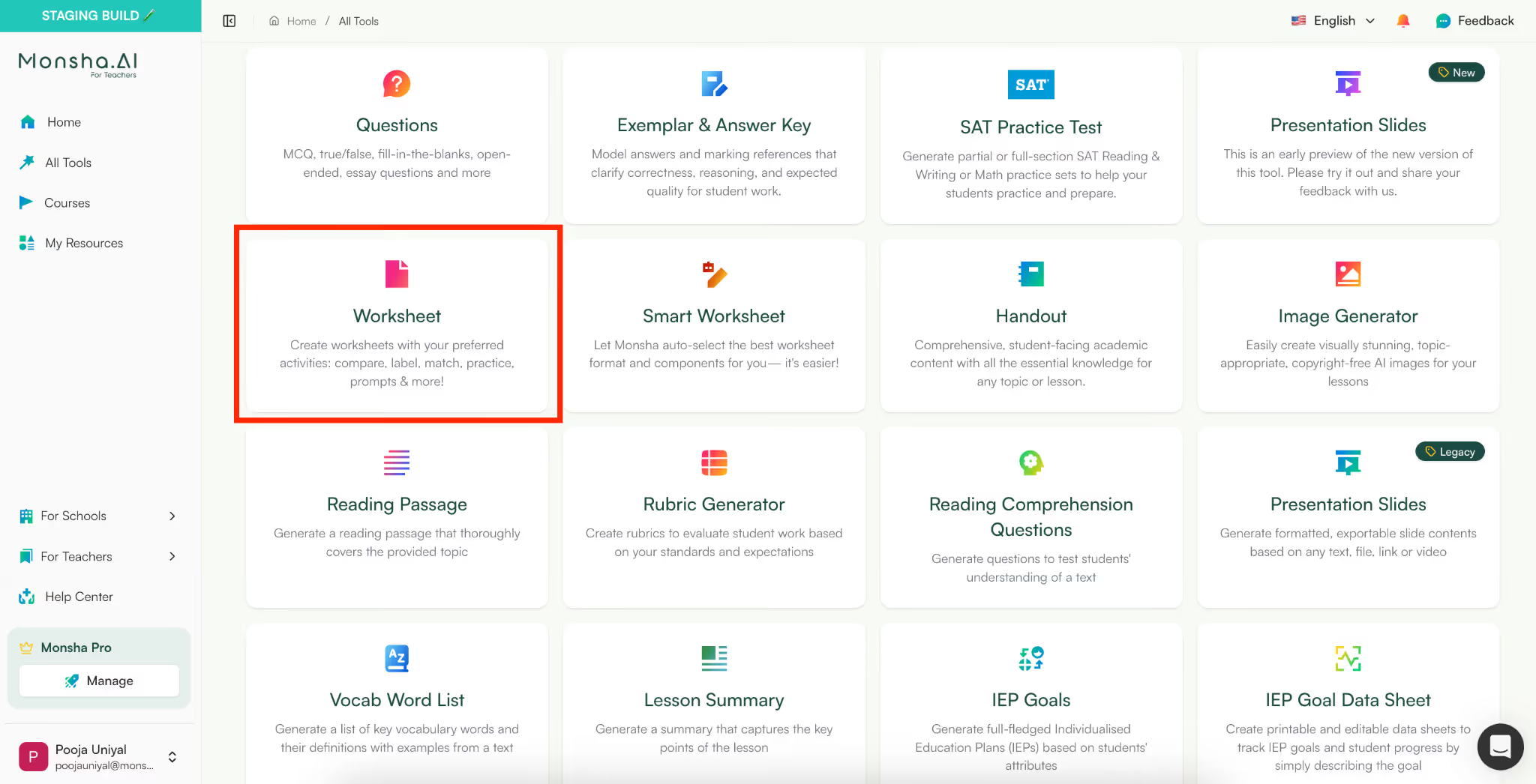
Start by opening Monsha and navigating to the All Tools section. From there, select the Worksheet tool.
This is where you can create different types of worksheets, including vocabulary worksheets.
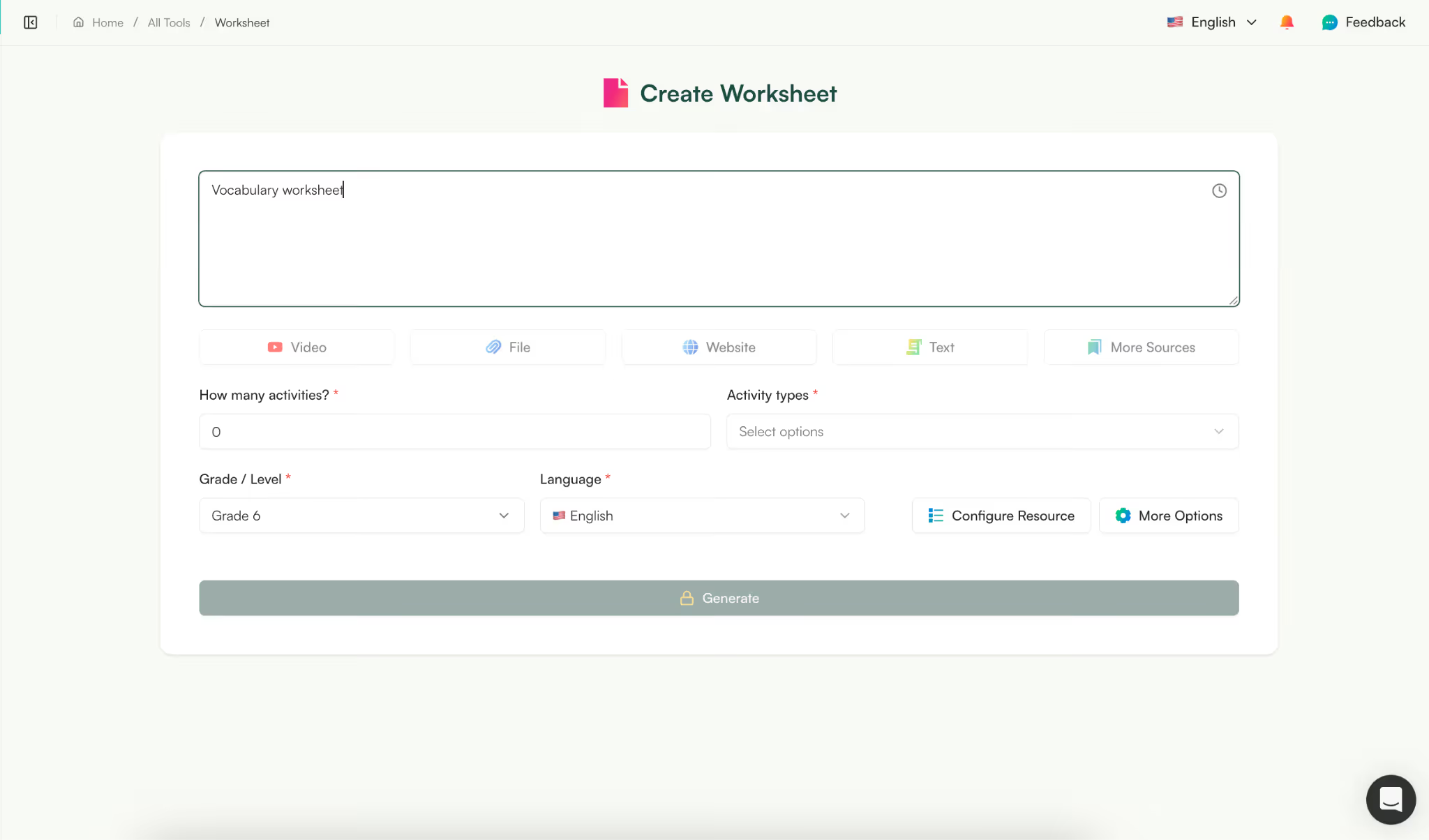
Next, simply type a prompt describing the vocabulary worksheet you want.
For example:
This is what makes Monsha different from a traditional vocab worksheet maker, instead of filling rigid templates, you just describe your needs and the AI structures the worksheet for you.
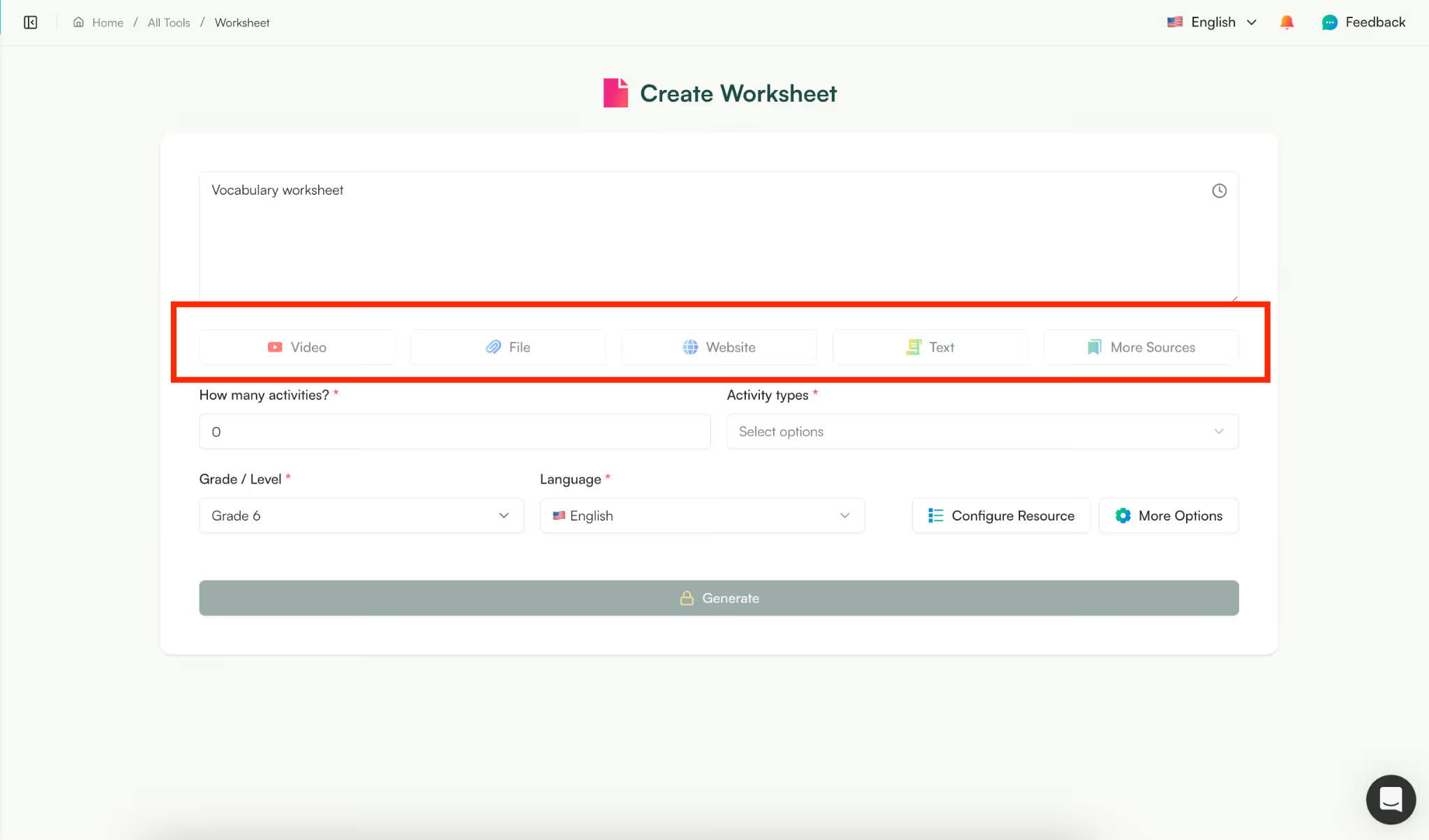
One powerful feature of this vocabulary worksheet generator is the ability to generate worksheets directly from your teaching material.
You can add:
For example, if you taught a lesson using a YouTube video or an article, you can simply add it as a source. The Monsha vocabulary worksheet maker free tool will automatically extract relevant vocabulary and create a worksheet based on that content.
This helps you create vocabulary practice sheets that actually match what students just learned.
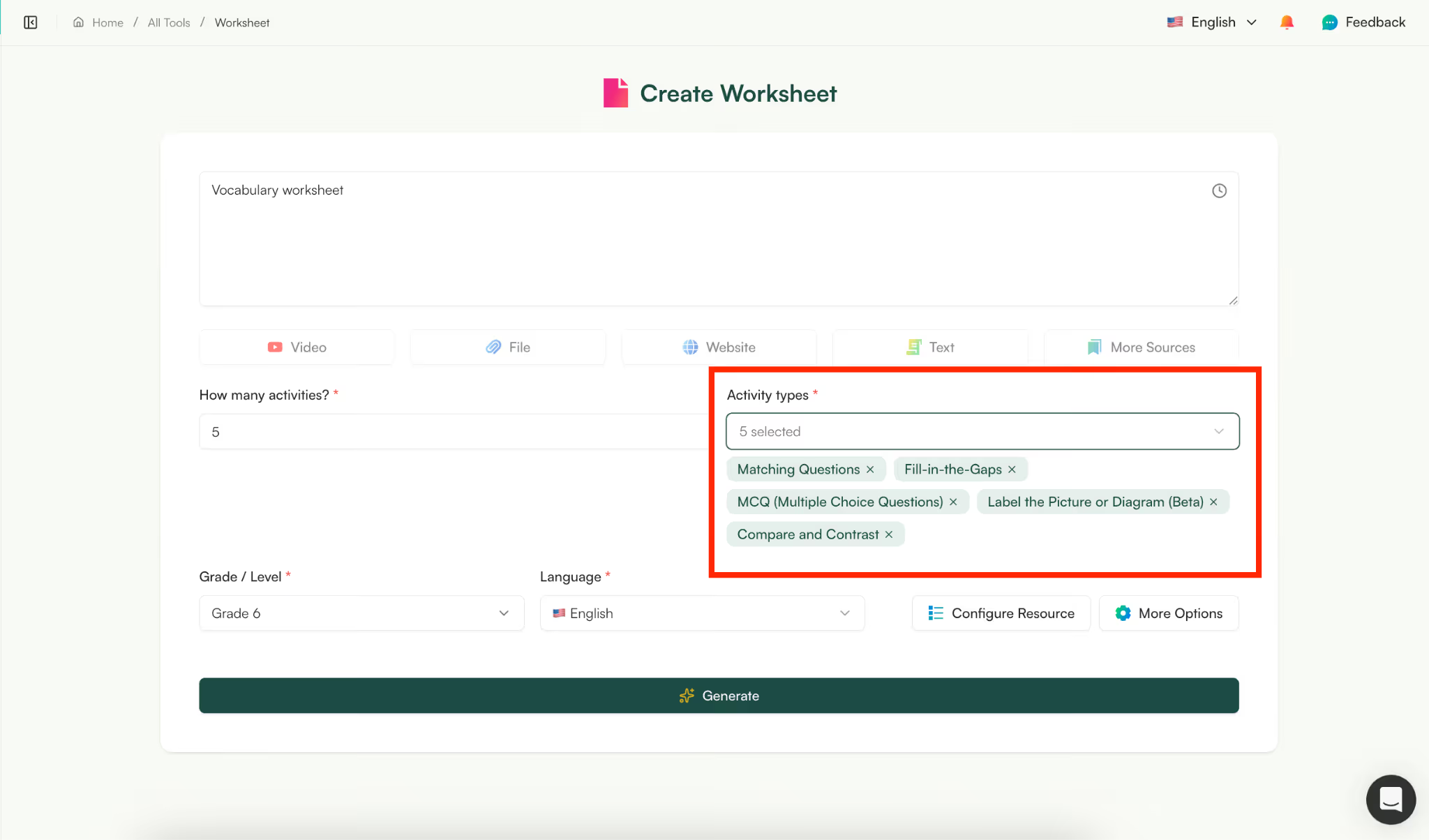
Next, select the vocabulary activities you want to include.
You can choose from activities like:
This flexibility allows you to generate different types of vocabulary worksheets depending on whether you want review practice, assessment, or reinforcement activities.
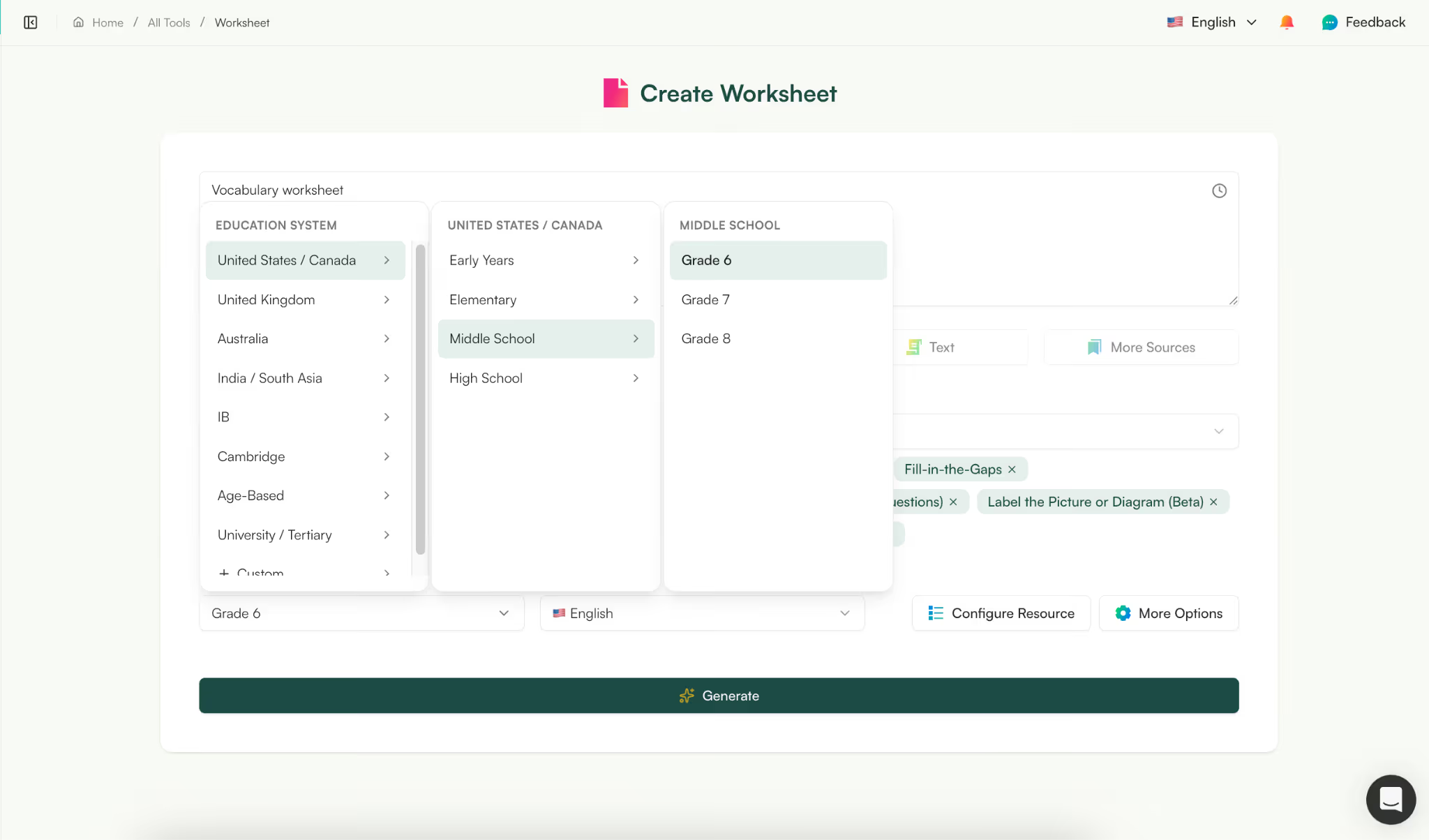
Now choose:
Monsha supports 60+ languages, making it useful for ESL teachers, multilingual classrooms, and language learning environments.
This makes it a practical vocabulary worksheet creator for diverse classrooms where you may need the same worksheet adapted for different levels or languages.
.gif)
Click Generate, and Monsha will instantly create your worksheet. The AI structures your vocabulary practice worksheets with:
This is where an AI vocabulary worksheet generator can save significant preparation time compared to building worksheets manually.
If you like, you can duplicate this exact anatomy vocabulary worksheet in Monsha.
Try it now — no need to switch tabs
Describe your worksheet topic below, pick your activity types and grade, and Monsha will build it for you in seconds.
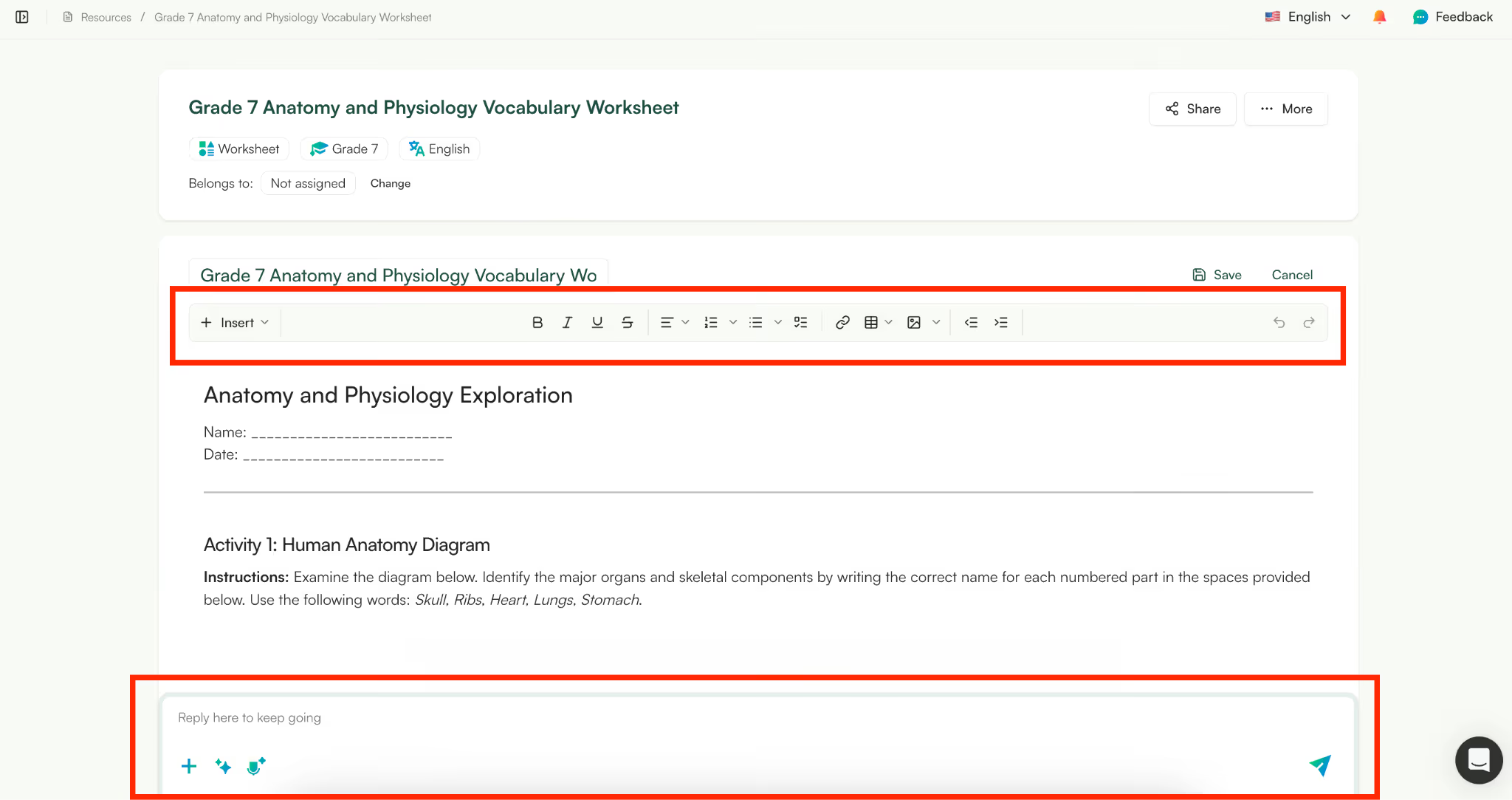
Once generated, your worksheet is ready to use, but you can also fully customize it.
You can:
Monsha also allows you to edit the worksheet using prompts. For example, you can ask it to:
You can also:
This makes Monsha more flexible than a basic vocab worksheet maker, since you can refine worksheets instead of starting over.
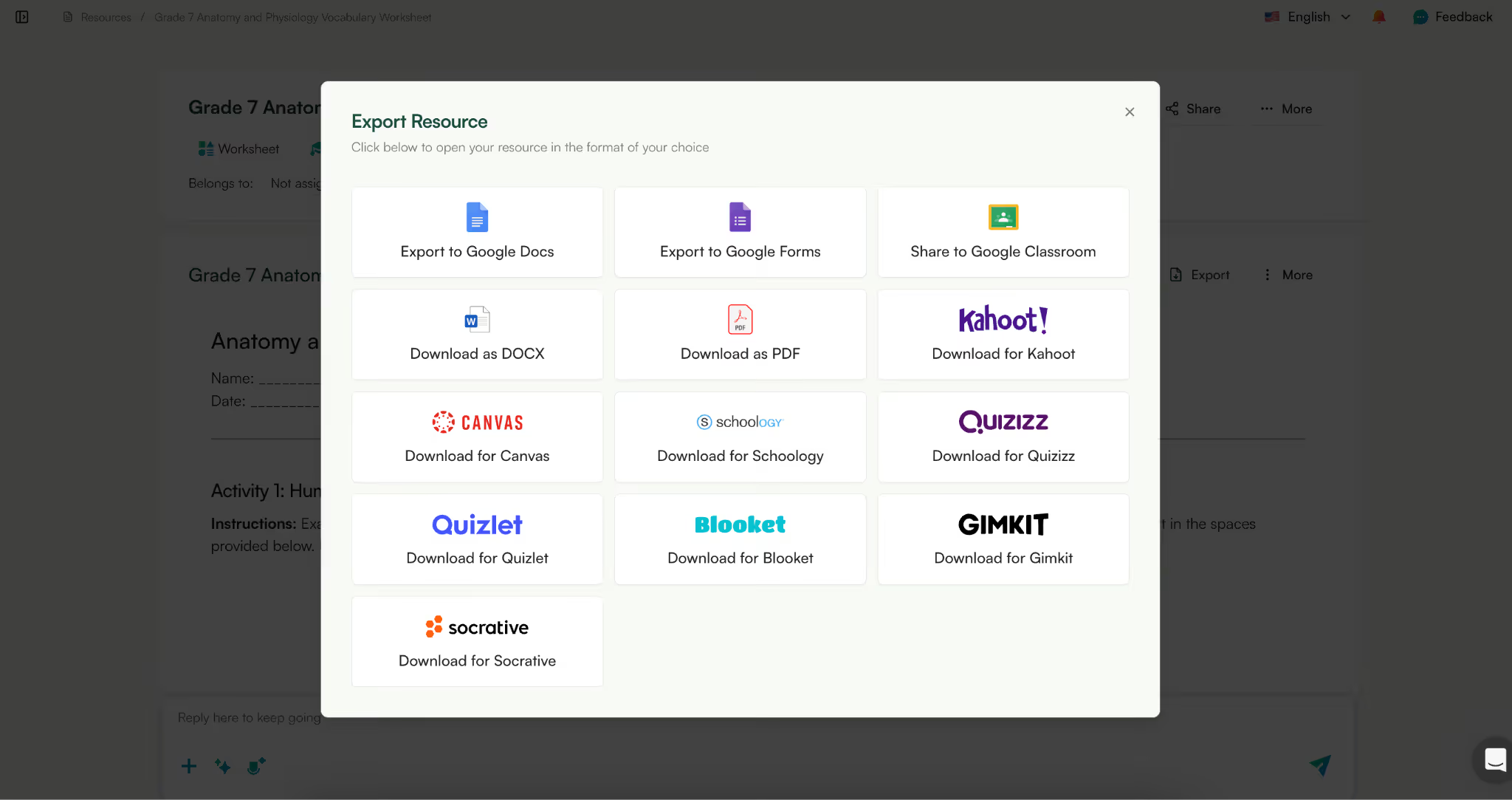
Once you're satisfied, you can export your worksheet.
You can typically export as:
This allows you to quickly move from worksheet creation to classroom use, which is why many teachers use Monsha as their daily vocabulary worksheet maker instead of juggling multiple tools.

There are many tools that can act as a basic vocabulary worksheet generator, but most of them stop at just creating a single worksheet. Monsha is designed differently. It works more like a complete resource creation system rather than just a simple vocab worksheet maker.
Here are a few features that make Monsha stand out:
Most tools help you create vocabulary practice worksheets, but then the workflow stops there. If you also need a lesson plan or presentation, you usually have to start from scratch.
Monsha solves this by letting you repurpose your worksheet into other teaching materials.
For example, from one vocabulary worksheet creator, you can also generate:
This means your vocabulary worksheets don’t stay isolated. Instead, they become part of a complete teaching workflow, helping you build multiple resources from the same vocabulary topic without repeating work.
Many free tools limit customization once your worksheet is generated. Monsha focuses heavily on flexibility, which makes it a practical vocabulary worksheet maker free alternative for teachers who want more control.
You can customize your worksheet based on learning frameworks such as:
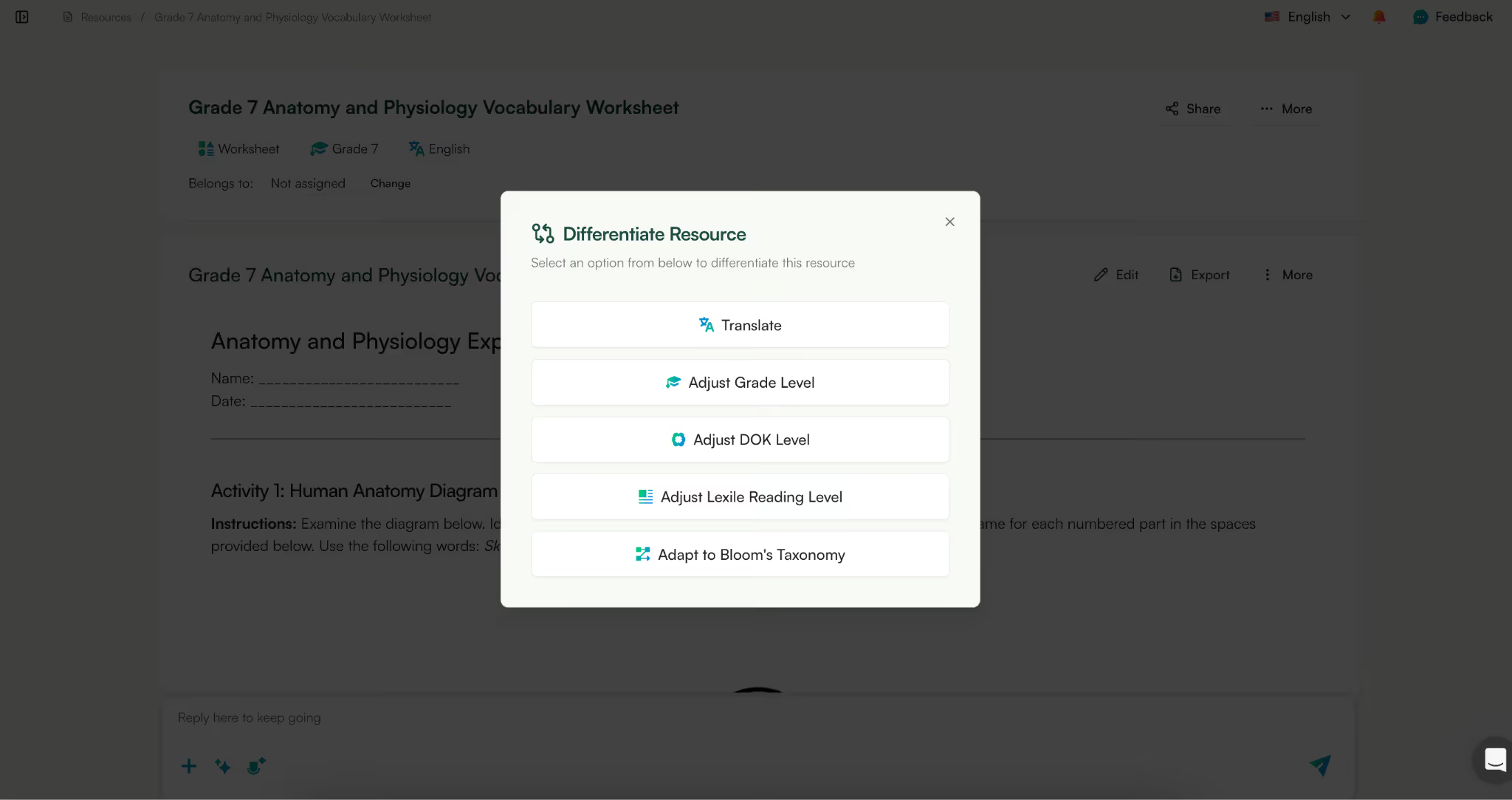
You can also customize visual presentation by:
This makes Monsha more than just a vocabulary worksheet generator, it becomes a tool where you can refine worksheets based on both pedagogy and presentation.
One common problem teachers face when using a typical vocab worksheet maker is that resources get scattered across different tools and folders. Monsha keeps everything organized in one workspace.
You can:
For example, instead of creating disconnected vocabulary practice worksheets, you can build a complete vocabulary unit with supporting materials aligned to the same topic.
If you’ve ever created any kind of worksheets manually - writing worksheets, math worksheets - you know where the time actually goes - not in thinking of vocabulary, but in turning that vocabulary into usable practice.
An AI vocabulary worksheet maker removes that mechanical work so you can focus on choosing the right words and the right kind of practice.
With Monsha, you can generate worksheets, adjust activities, improve them with simple prompts, and keep everything organized without jumping between different tools. Whether you're creating quick vocabulary practice worksheets or building a full set of materials around a topic, the process stays fast and flexible.
If you want a vocabulary worksheet generator that lets you create, refine, and reuse worksheets without rebuilding them every time, you can try Monsha’s vocabulary worksheet maker free and see how it fits into your workflow.




AI in Education Content
Pooja Uniyal works closely with teachers and schools to understand and guide how AI is being used in real classrooms today. Her work at Monsha focuses on capturing practical teaching workflows and turning them into clear, usable guidance for educators exploring AI in their daily planning.
Join thousands of educators who use Monsha to plan courses, design units, build lessons, and create classroom-ready materials faster. Monsha brings AI-powered curriculum planning and resource creation into a simple workflow for teachers and schools.
Get started for free

.avif)
.avif)