Generate personalized, parent-ready report card comments for your entire class at once. Upload your class list, select comment areas like Reading, Writing, Math, and Learning Skills, and get individually written comments for every student, every subject. Monsha also supports progress reports with distinct formative language, so one tool covers both mid-term and end-of-term reporting.
Monsha makes report card comment writing flexible, powerful, and refreshingly simple.

Upload a class list from a CSV or Excel file, or add students one by one. Include achievement levels, pronouns, and personal notes for each student, and attach gradebooks or any source material so every comment is grounded in real evidence.

Choose Report Card or Progress Report. Select comment areas like Reading, Writing, Math, Science, and Learning Skills, then set your character limit. Monsha generates individually written, parent-ready comments for every student across all selected areas at once.

Fine-tune comments with quick actions: adjust tone, rephrase for variety, create IEP/ELL versions, or focus on next steps. Export to Google Docs, PDF, or Word for admin review and parent distribution.
Write report card comments for an entire class in minutes, not hours. From student data import to final export, every step of the comment-writing process is covered in one place.
Stop writing comments one student at a time. Upload your class list or add students individually with achievement levels, notes, and source materials. Monsha generates personalized comments for every student across every subject in a single run.


Switch between summative report card language and formative progress report language with a single toggle. Pick the comment areas that matter, set your character limit, and let Monsha handle the tone and structure for each document type.
AI generates the first draft. Quick Actions make it yours. Adjust tone for different school expectations, rephrase so no two students sound alike, or convert any comment into an IEP/ELL version with the required modification statement.

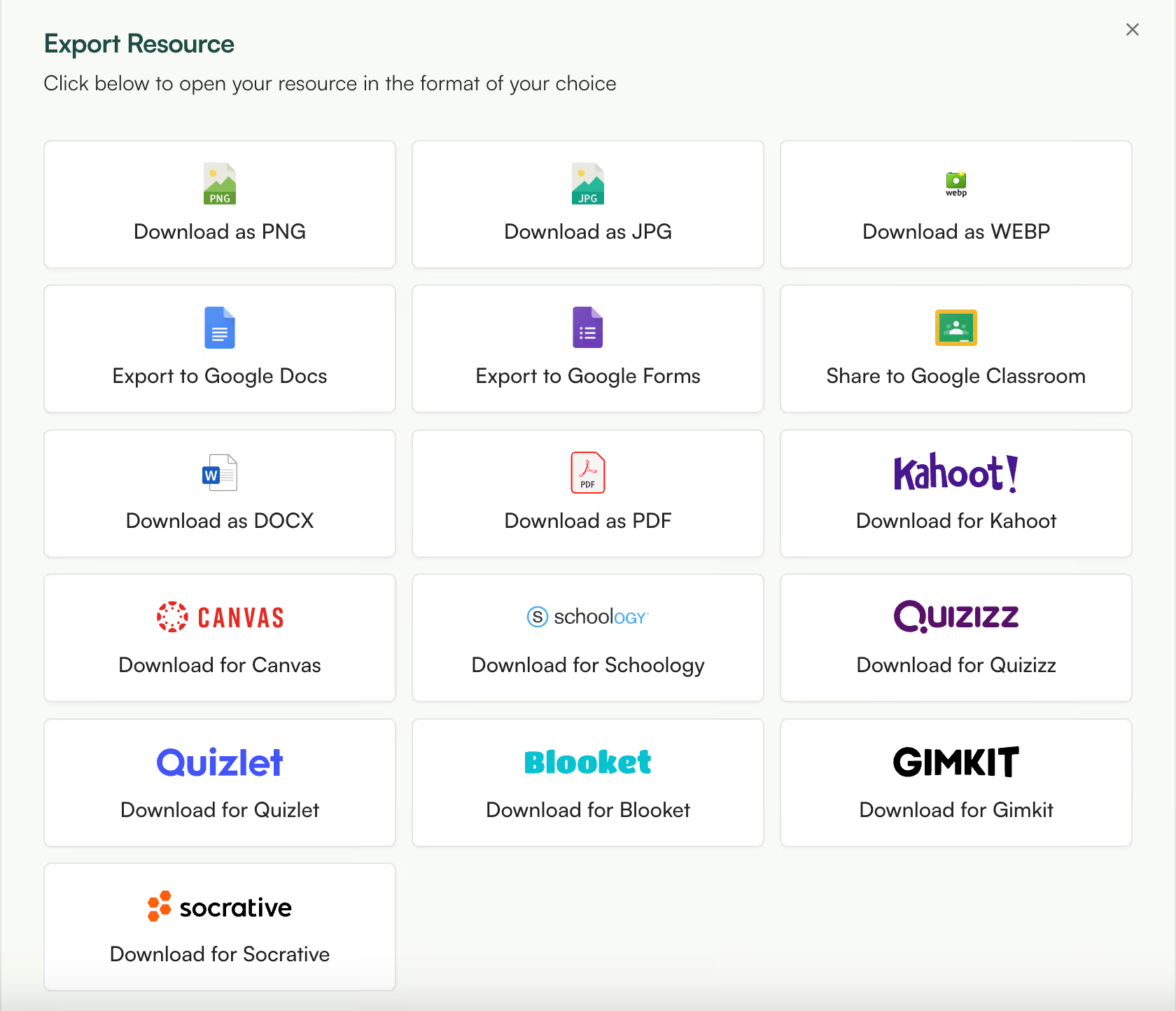
Get your comments where they need to go. Export directly to Google Docs, PDF, or Word for admin review or parent distribution. Translate for multilingual families or turn your comments into follow-up resources like conference talking points.
This report card comment generator is part of the AI tools created for teachers by Monsha. Whether you need lesson plans, worksheets, rubrics, or report card comments, you can use Monsha as the all-in-one hub for curriculum planning, daily teaching resources, and quick differentiation.
Try it nowAn AI report card comment generator is a tool that writes personalized, parent-ready comments for each student based on their performance, strengths, and areas for growth. Instead of writing every comment from scratch, teachers provide student information and the AI produces individually written comments that can be reviewed and edited. Monsha's version generates comments for an entire class at once across multiple subjects, rather than one student at a time.
Monsha is built for bulk generation. Upload a CSV or Excel class list with student names, achievement levels, and notes, or add students one by one. Select your comment areas, hit generate, and Monsha writes personalized comments for every student across every selected subject in a single run. Most other tools require you to generate one student at a time.
What is the difference between report card comments and progress report comments?
Report card comments are summative. They appear at the end of a term and use achievement language like "has demonstrated" or "consistently applies." Progress report comments are formative. They appear mid-term and use growth language like "is developing" or "is working toward." Monsha supports both document types with a single toggle, adjusting tone and language structure automatically.
Can I customize the AI-generated comments for each student?
Every comment is individually generated based on the student's name, pronouns, achievement level, and any personal notes you provide. After generation, you can fine-tune with quick actions like adjusting tone, rephrasing for variety, or expanding on specific points. You can also open the rich text editor to make manual edits to any comment.
How does Monsha handle IEP or ELL students in report card comments?
Monsha includes a one-click IEP/ELL quick action that adapts any comment to include required modification statements. Instead of manually rewriting comments for students on individualized education programs or English language learner plans, you select the quick action and Monsha adds the appropriate language while preserving the original feedback.
Can I upload a class list or spreadsheet to generate comments in bulk?
Upload a CSV or Excel file with columns for student names, pronouns, achievement levels, and notes. Monsha reads the file and generates comments for every student in the list. You can also attach source materials like gradebooks or rubric scores per student so the AI has real evidence to draw from, not just generic phrases.
Can I set character limits for each comment?
Monsha includes a character limit setting in the configuration step. Set it to match your school's reporting system requirements and every generated comment will stay within that limit. The default is 500 characters, but you can adjust it up or down.
How does Monsha ensure no two students' comments sound the same?
Each comment is generated individually based on that student's specific data, not stamped from a template. If you notice similarities between comments, the Rephrase quick action rewrites a comment with different phrasing and sentence structure while preserving the meaning. This is particularly useful when multiple students share similar achievement levels.
How accurate and reliable are AI-generated report card comments?
The accuracy depends on the quality of input. When teachers provide specific student notes, achievement levels, and source materials, the AI generates comments that reflect each student's actual performance. Monsha also offers quick actions to rephrase, adjust tone, or expand, so teachers always have the final say. The AI writes the draft; the teacher owns the final comment.
How much editing is typically needed after generating comments?
Most teachers review and lightly edit rather than rewrite. The more detail you provide in student notes and source materials, the more accurate the first draft. Quick actions like tone adjustment, rephrasing, and IEP/ELL adaptation handle the most common edits without manual rewriting. Think of the AI output as a strong first draft that needs a teacher's eye, not a blank page.
Is it ethical to use AI for report card comments?
AI report card tools work best as draft generators, not replacements for teacher judgment. The teacher provides the student data, reviews every comment, and makes final edits before sending anything to parents. Monsha is designed to handle the repetitive structure of comment writing so teachers can spend more time on the substance. The final comment is always the teacher's.
What should a good report card comment include?
A strong report card comment names specific achievements or skills the student has demonstrated, identifies areas where the student is growing, and suggests concrete next steps. It should be written in language parents can understand, personalized enough that it clearly refers to that specific student, and appropriate in tone for the school's expectations. Monsha generates comments that follow this structure by default.
What are examples of positive and constructive report card comments?
A positive comment might note that a student consistently participates in class discussions and demonstrates strong reading comprehension. A constructive comment might note that a student is developing their ability to organize written work and would benefit from using graphic organizers. Monsha generates both types based on the achievement level you assign to each student, and you can adjust the balance using tone and rephrase quick actions.
Is there a free AI report card comment generator for teachers?
Monsha's AI report card comment generator is free to use. You can sign up without a credit card and start generating comments immediately. The free tier includes bulk generation, both report card and progress report modes, and all quick actions including IEP/ELL adaptations.
How can teachers get started with Monsha's Report Card Comments tool?
Sign up for a free Monsha account, navigate to the Report Card Comments tool, and either upload your class list or add students manually. Select your document type, pick your comment areas, set any character limits, and generate. The entire process from signup to first batch of comments takes a few minutes.
Can I use Monsha's report card tool for elementary, middle, and high school?
The tool works across all grade levels. You select the grade level during configuration, and Monsha adjusts the language complexity and expectations accordingly. The comment areas and quick actions are the same regardless of grade level.

Palm Beach County School District, Florida

I’ve been speaking to everyone about the ease of your site. I enjoyed the fact that there were different question types and that you were able to modify the question levels or styles without much effort. Using it almost every day to redo and update assignments.
I really am enjoying Monsha and can’t wait to spread the word about it.

Central Holmes Christian School, Lexington, MS
I use Monsha a lot. Sometimes I even feel like I’m bothering y’all with how often I’m on it 😅 but I really appreciate this app so much. Even during summer break, I’m using it to get ahead on lessons for next year.
.avif)
Ohse Home School, Oklahoma
I love this platform - this has made homeschooling easier for me from planning lessons to creating spelling, reading and English worksheets.
It's been a life-saver for my school year no matter what your religion may God bless you all!

Zenith International School, Malaysia
Your presentation content is great based on the pdf file I provided. I teach maths in my case i needed to make presentation more interesting for the kids, not boring blank pages with text. Like artworks, graphics or real images that relate to my subject. Thank you for that 😍

Professional Learning Developer
This tool is fantastic! This really makes it more of an all-in-one-stop shop for me now that you've added the PPT tool upon my request.
It is very intuitive as far as the prompt is concerned. And I like the options to add links, content, previous resources, and especially the YouTube feature.

High school math teacher in the US
The worksheets look great. Thank you so much for taking care of this, it's so rare to find a resource that works with latex for math! I'm thrilled!

Khuangnapittayakun School, Thailand
I can create an entire course to include grading rubric within minutes when before it would take me weeks.
In S.E. Asia, the resources are whatever teachers can pirate but Monsha has changed that for me.. now I can create and enjoy the task for a change.

Italian teacher and trainer
Monsha was a wonderful discovery, and I always recommend it in my AI training courses!
The tools they offer are all very effective, but my favorite is "Comprehension Questions," one of the best I've tried across various platforms! Great work!

Maths Teacher, The Teach for Nigeria
I've shared this tool to my colleagues here in Nigeria and they are already falling in love with it.
I actually do use Monsha for everything. From baseline assessment to lesson planning to formative evaluations and of course to summative assessment.

English Teacher, Educación de la prov. Argentina
I was fortunate to chat directly with you guys (creators). Every suggestion I shared was received with enthusiasm, you worked on it and got back sincerely.
I have been impressed with how you improve it based on the actual needs of educators. And kept it clean and simple.
Join thousands of educators who use Monsha to plan courses, design units, build lessons, and create classroom-ready materials faster. Monsha brings AI-powered curriculum planning and resource creation into a simple workflow for teachers and schools.
Get started for free
